
30 0
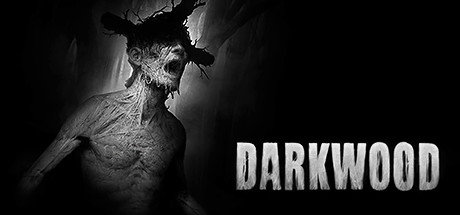
Darkwood (STEAM KEY) RUSSIA +CIS
Edition Type: STEAM KEY / RU / UA / KZ / CIS
⚠️ ATTENTION! This key can only be activated on a Steam account registered in Russia, Ukraine, Kazakhstan, and other CIS countries.
🔹 Game Language: Russian (subtitles + interface) / English
🔹 Release Date: August 17, 2017
🔹 Platform: Windows
🔹 Region: RU / UA / KZ / CIS (Russia, Ukraine, Kazakhstan, and other CIS countries)
🔹 Activation: Steam
==============================================
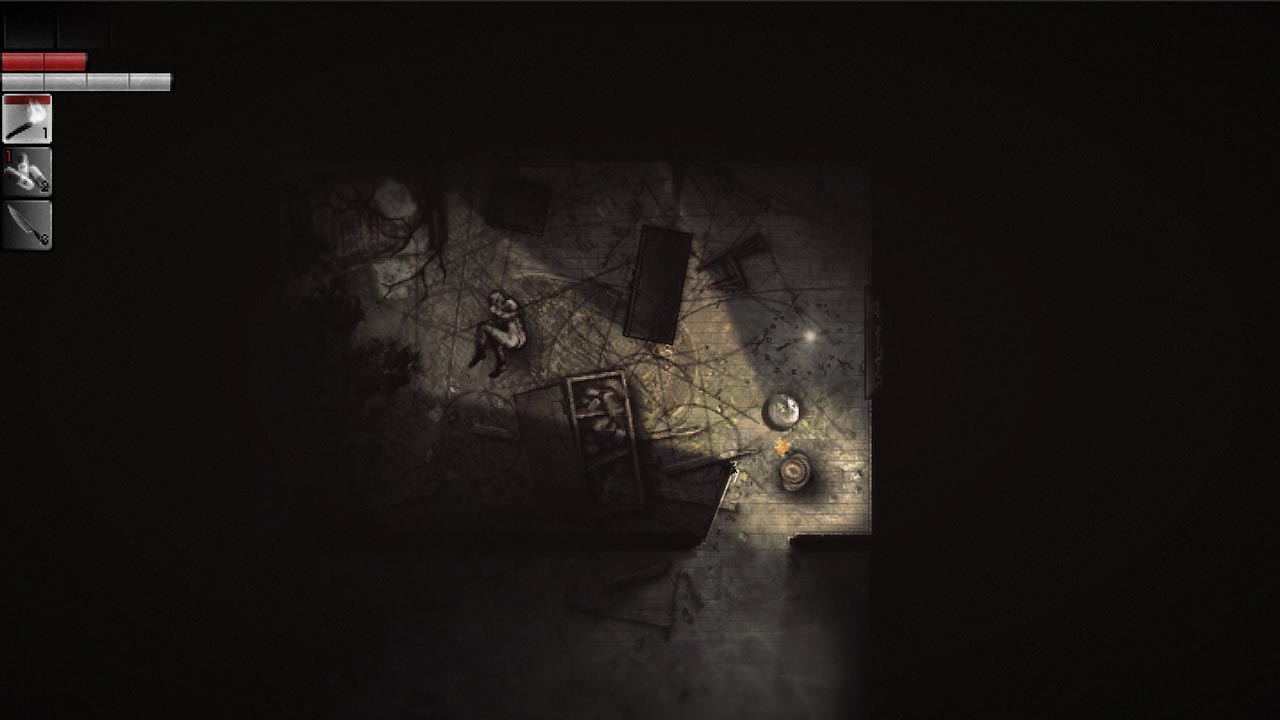
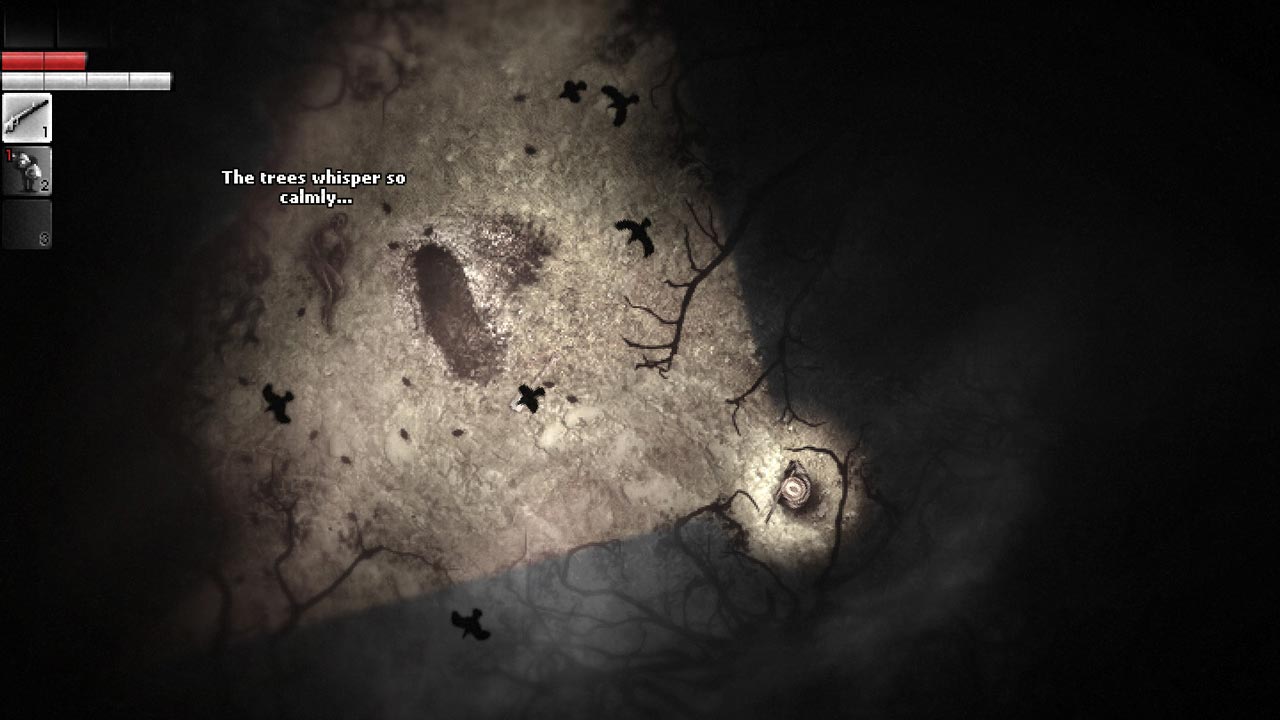
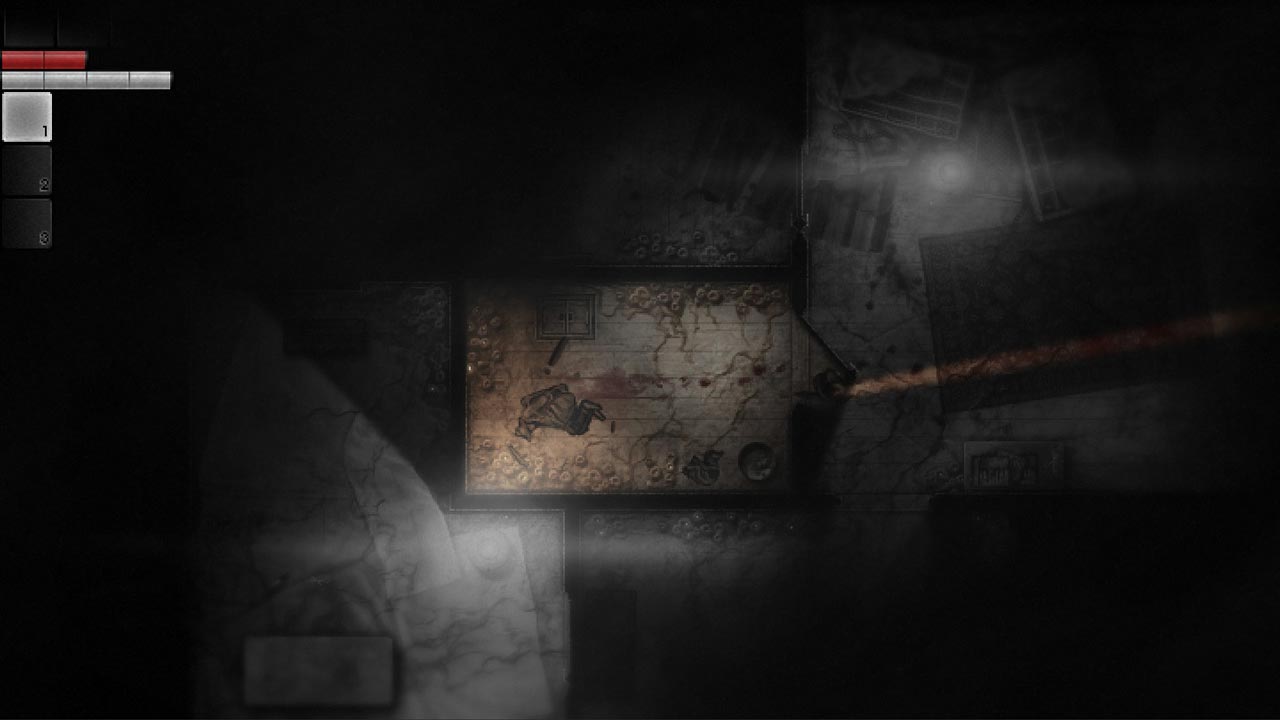
Darkwood will change your understanding of the survival horror genre.
Explore a rich, dynamic open world during the day, and at night, hide in your shelter and pray for morning to come as soon as possible.
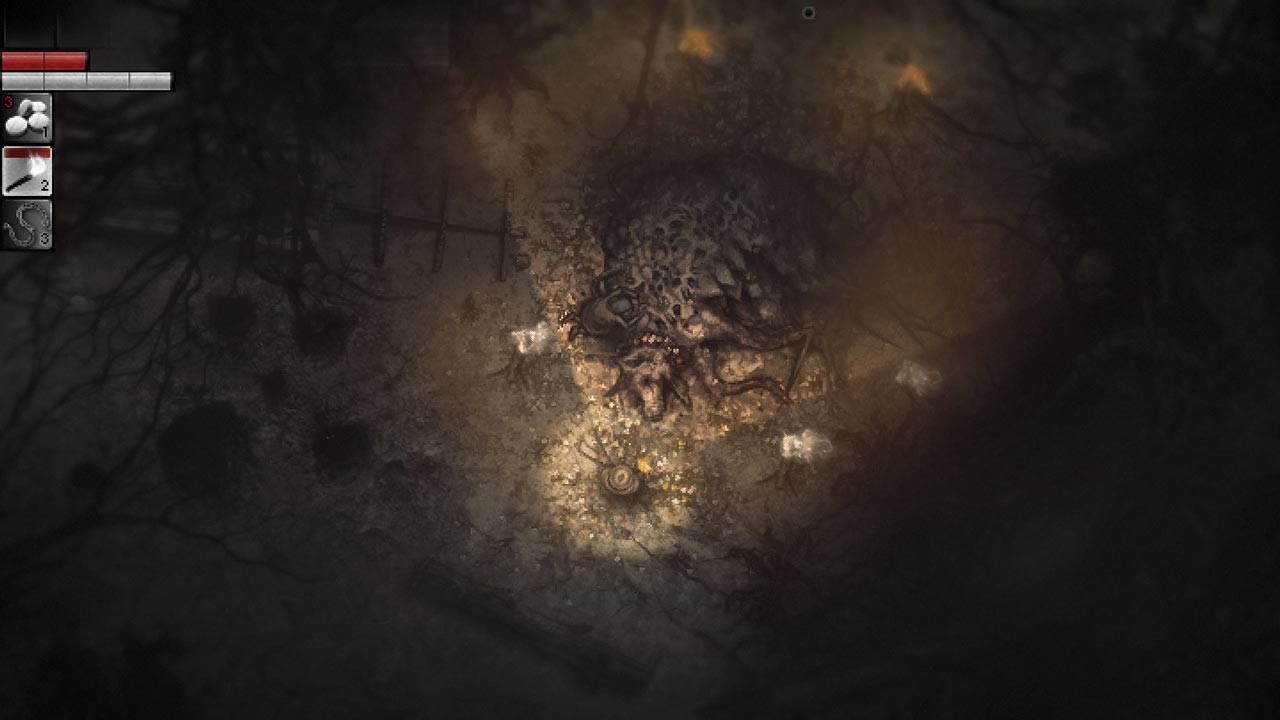
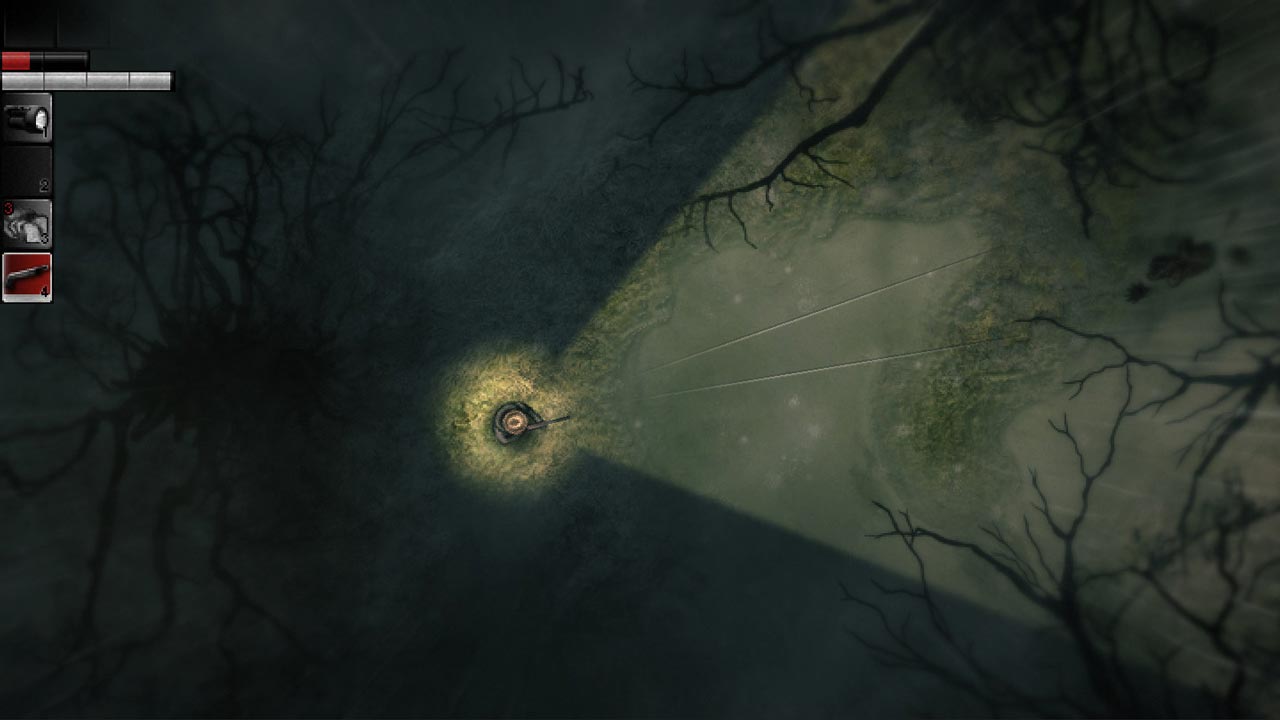
• A top-down survival horror game that´s truly terrifying to play.
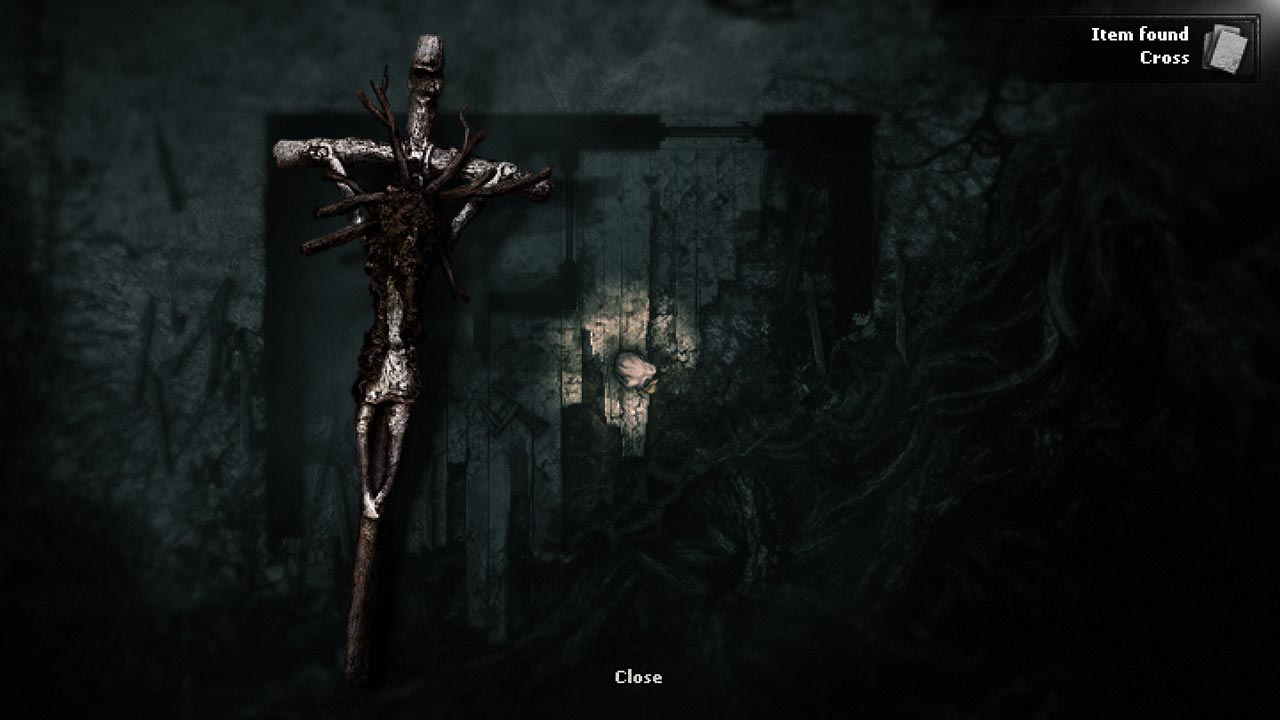
• During the day, explore a randomly generated, eerie forest, gather materials, craft weapons, and solve mysteries.
• At night, find shelter, build barricades, set traps, hide, or defend yourself from the horrors of the night.
• Craft unusual essences from the local flora and fauna and inject yourself with them to gain positive or negative abilities. Be prepared for unexpected consequences...
• Make decisions that will impact the world of Darkwood, its inhabitants, and create your own storyline.
• You will meet terrifying characters, learn their pasts, and decide their fates. The main thing to remember is: trust no one.
• Over time, the line between reality and nightmares will begin to blur. Are you ready to plunge into the world of Darkwood?
=========================================
Activation
1. Download and install Steam http://steampowered.com/download/SteamInstall.msi (if not already installed)
2. Launch the Steam client
3. Create a new Steam account or log in to an existing one
4. Go to the "Games" section and select "Activate on Steam"
5. Enter the activation key you purchased
6. The game will then appear in your list of games and can be installed
ATTENTION! Before buying, please check the system requirements of the game and other parameters that interest you (they may change with time). This can be done on the sites Steam / Uplay / Origin or the official website of the publisher. Goods purchased by mistake, as well as unsuitable for system requirements or region of activation, can not be returned and exchanged!
Dear customers! Convincing request, if there are any problems with the purchased goods, do not leave a negative feedback immediately. Write us a message in the correspondence (the purchase page on the site Oplata.info). We will try to respond to your message as soon as possible and promptly solve the problem. We draw attention to the fact that the basis for the exchange or return of the purchased key (key), which gives an error when activated, can only be VIDEO RECORD of the purchase process and subsequent attempt to activate it (mandatory condition - the record should not contain editing features).
Our entire range: http://www.plati.ru/asp/seller.asp?id_s=467960
We will be grateful for every positive feedback you have left after the purchase. Sincerely, the project team "AlternativA".