
3 0
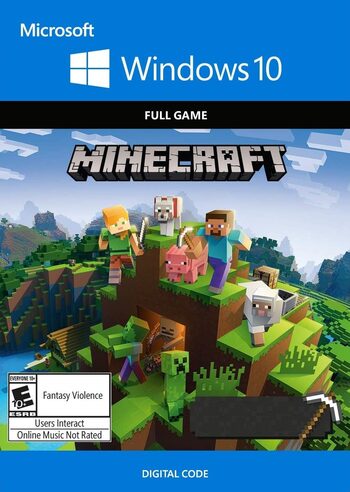
MINECRAFT Windows 10 Edition License Key
MINECRAFT Windows 10 Edition License Key
VPN with connection to Argentina is required to activate the key
After activation, the game WITHOUT REGIONAL RESTRICTIONS
The game is forever associated with your Microsoft account
If you have not figured out the VPN and how to activate the game, do not rush to leave a negative review, write to us and we will help you activate the game.
Recently, cases of fraud from buyers have become more frequent, so we ask all our buyers to record a video from the moment of purchase until the moment we activate our product. The video should not contain any splices, trims, or interruptions. Videos are your GUARANTEES!
Key refund due to reasons of "bought the wrong game", "could not activate" or "did not read the description" is not performed.
Activation instructions from PC
1. Install the Hola Free VPN Proxy extension https://hola.org/download?list=1
2. Follow the link https://redeem.microsoft.com
3. Log in to your account, carefully indicate your mail and login from your account
4. Turn on Hola and choose a connection from Argentina
5. Enter the key, click next, confirm activation
6. Now you can safely load the game
7. Sometimes a console restart is required for the game to appear on your account.
8. The game is displayed in the "my games" section or in the store search, click the "Install" button