
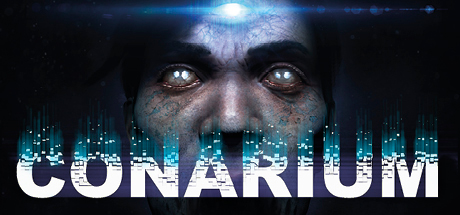
Conarium (STEAM KEY / RU/CIS)
Edition type: Steam Key (key) / RU / CIS
ATTENTION! This product is intended for use only in the following countries: Russia, Armenia, Azerbaijan, Belarus, Georgia, Kyrgyzstan, Kazakhstan, Republic of Moldova, Tajikistan, Turkmenistan, Uzbekistan, Ukraine. Will not work in other regions.
Game language: Russian (subtitles interface) / English
Release date: June 6, 2017
Platform: Windows
Region: RU / CIS (Russia and CIS countries)
Activation: Steam
========================================
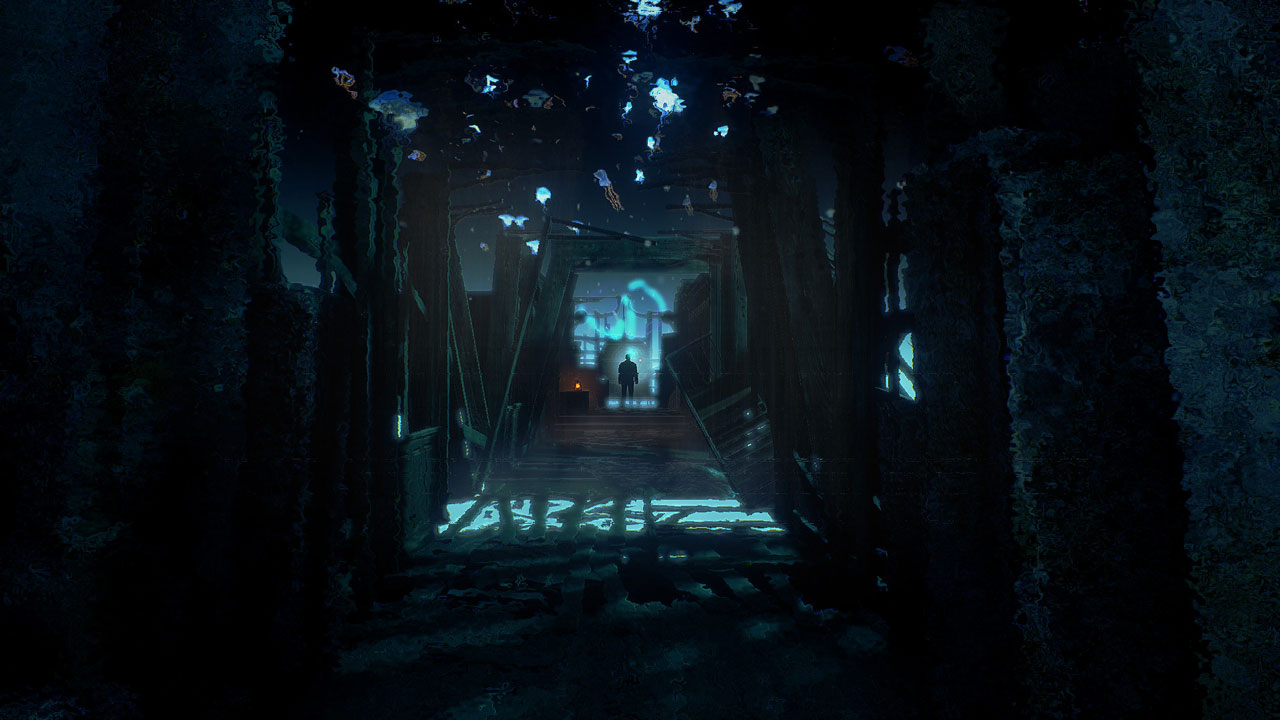
Conarium is a chilling game based on a gripping story. In it, four scientists try to comprehend what is considered the "absolute" edge of the possible. A game in the spirit of the novel "Ridges of Madness" by H. F. Lovecraft, but based on the original story.
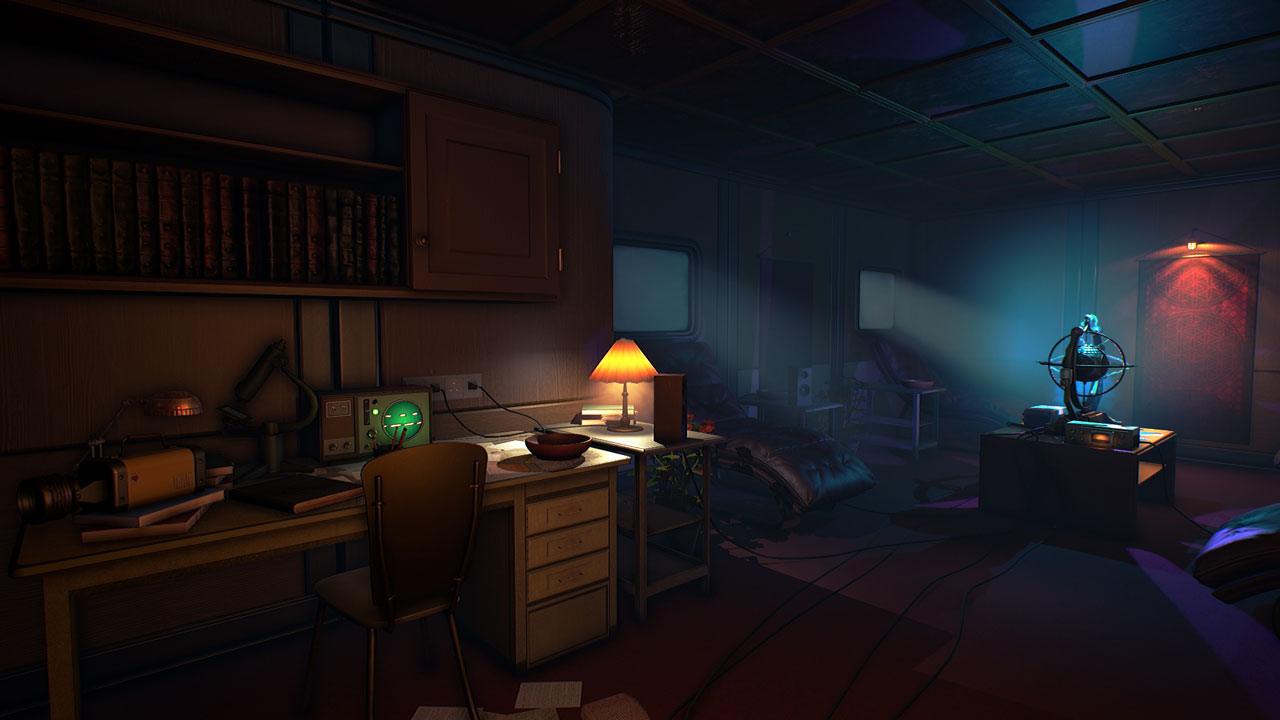
You play as Frank Gilman, who finds himself in a room filled with strange, pulsating sounds. As a dance of death, patterns of light from an unusual device on the table spread along the walls. All you can remember is that you are at Wepwawet, the polar station, which is almost at the very South Pole. And now you are already in a deserted place, and something tells you that all this is not good. Realizing that you will not be able to remember anything, you begin to feel an inexplicable helplessness in yourself - some familiar, but at the same time alien feeling that you do not belong to yourself ... Soon you will find that using this device during the expedition, you died, but returned in some other way. Strange memories of unusual places begin to torment you. You will understand that you have lost something very important and gained something destructive ...
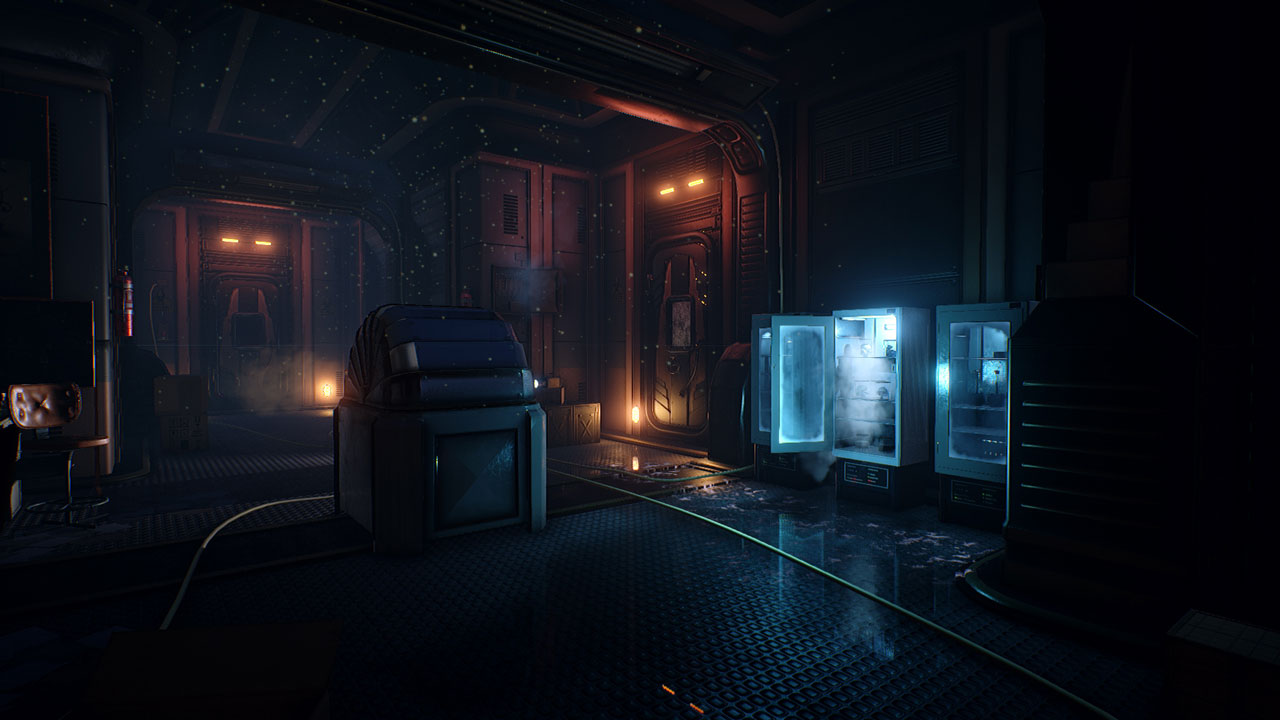
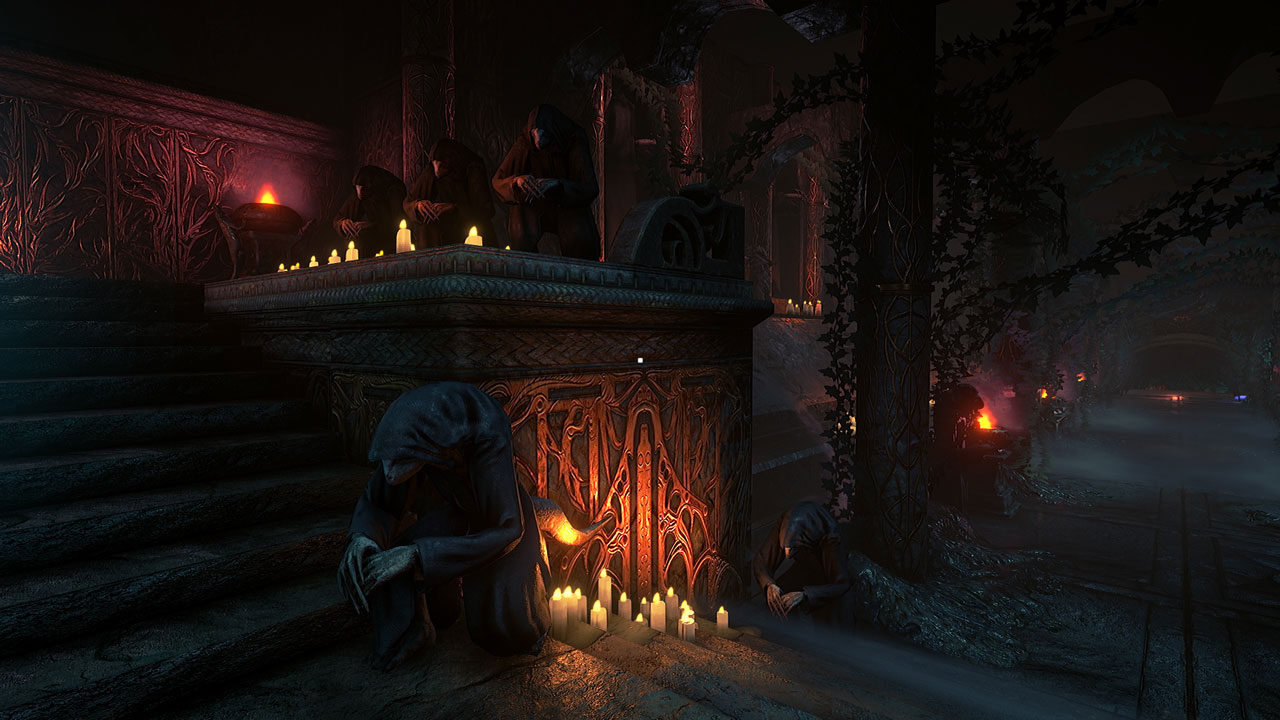
Explore the polar station, and with it - your dreams and visions. Study clues, learn secrets, but avoid sinister creatures at the cost.
• An action-packed and intense Lovecraftian novel with many secrets and easter eggs
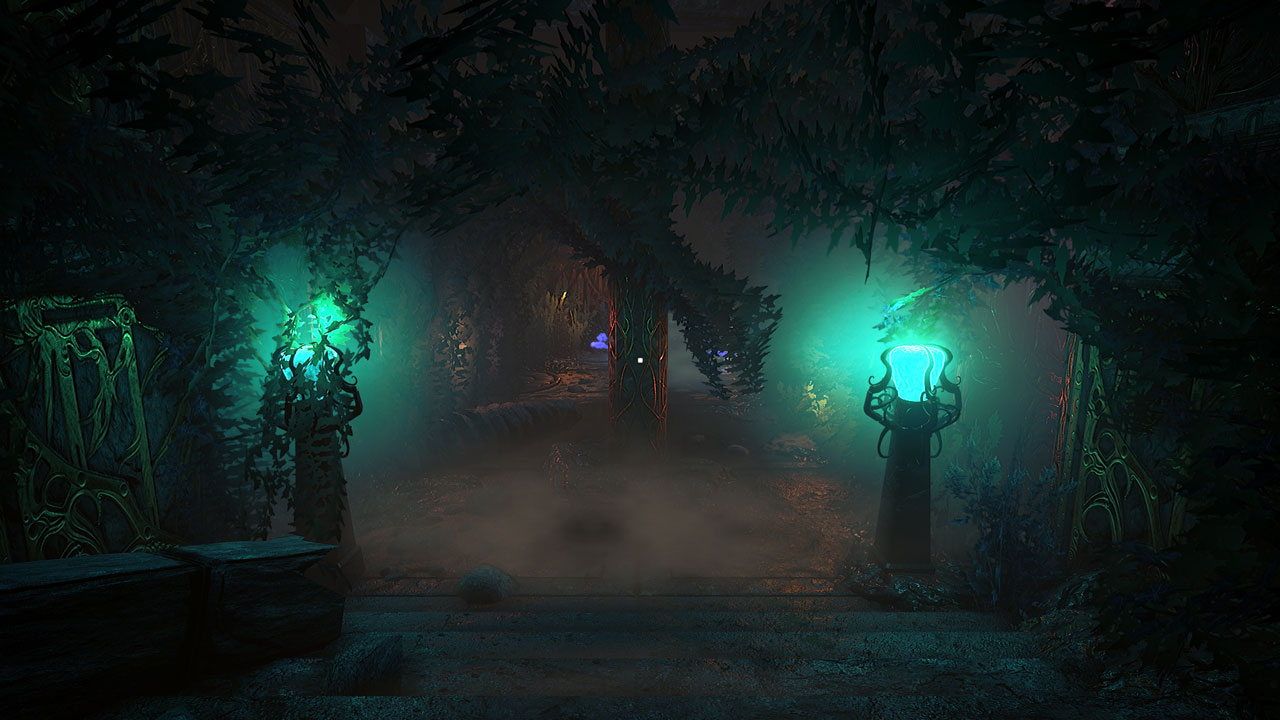
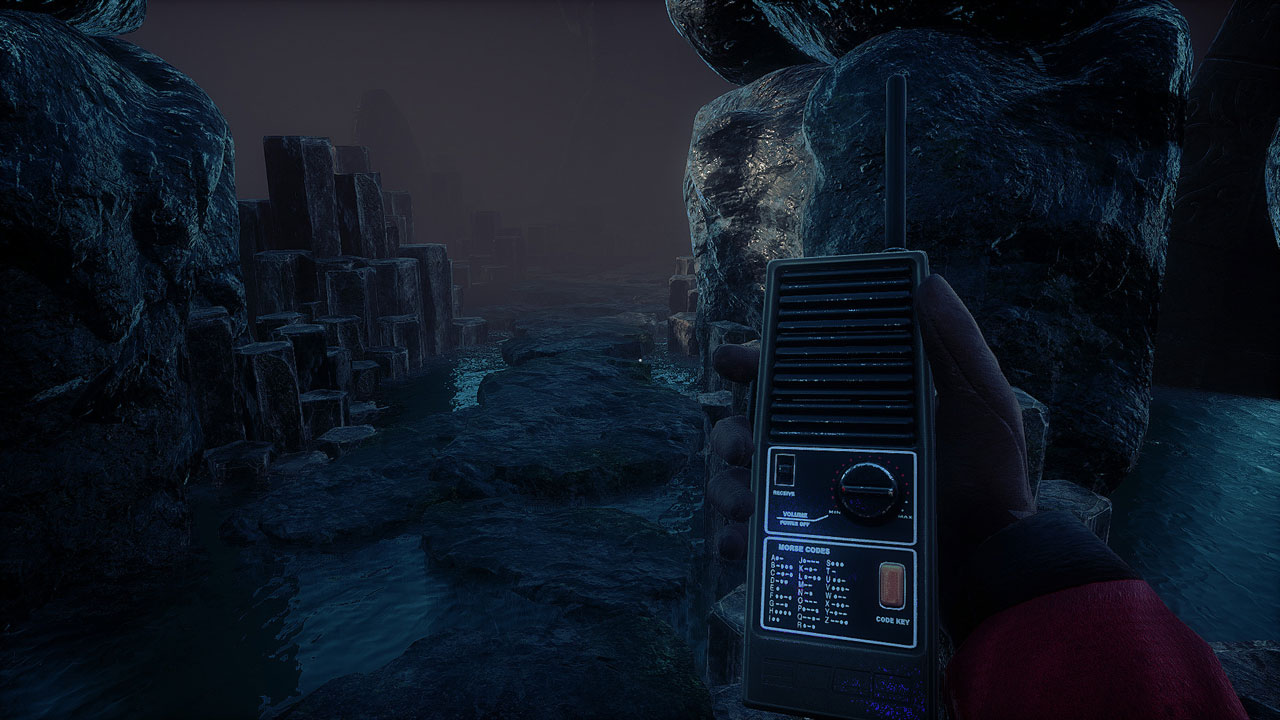
• Ominous, but amazing graphics on the Unreal 4 engine
• Many endings
• Atmospheric mystical soundtrack
========================================
Activation
1. You need to download and install Steam http://steampowered.com/download/SteamInstall.msi (if not already installed)
2. Launch the Steam client
3. Create a new account on Steam or go to an existing one
4. Go to the "Games" section and select "Activate on Steam"
5. Enter the activation key you purchased
6. After that, the game will appear in your list of games and you can install it
=======================================
!!!!! GIFT !!!!!
=======================================
Every third buyer who leaves a positive feedback will receive a random game as a gift!
Gifts are sent to the mailbox you specified when purchasing, within 48 hours.
=======================================
ATTENTION! Before buying, please check the system requirements of the game and other parameters that interest you (they may change with time). This can be done on the sites Steam / Uplay / Origin or the official website of the publisher. Goods purchased by mistake, as well as unsuitable for system requirements or region of activation, can not be returned and exchanged!
Dear customers! Convincing request, if there are any problems with the purchased goods, do not leave a negative feedback immediately. Write us a message in the correspondence (the purchase page on the site Oplata.info). We will try to respond to your message as soon as possible and promptly solve the problem. We draw attention to the fact that the basis for the exchange or return of the purchased key (key), which gives an error when activated, can only be VIDEO RECORD of the purchase process and subsequent attempt to activate it (mandatory condition - the record should not contain editing features).
Our entire range: http://www.plati.ru/asp/seller.asp?id_s=467960
We will be grateful for every positive feedback you have left after the purchase. Sincerely, the project team "AlternativA".
No customer reviews yet.