
2 0
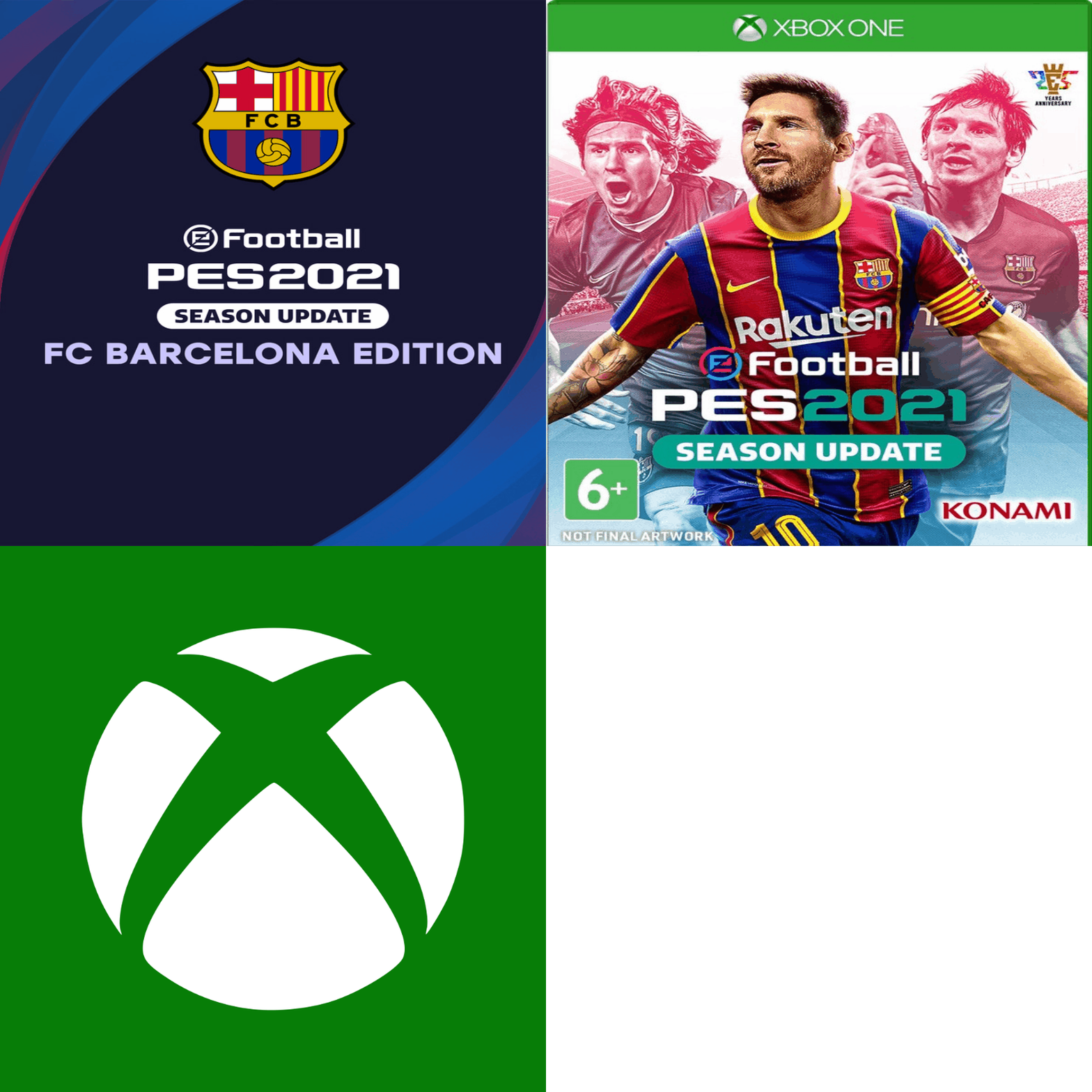
❤️🎮 PES 2021 FC BARCELONA Edition XBOX ONE + SERIES🥇✅
✅ More than 1500 positive reviews from satisfied customers
✅ More than 90% of buyers become our regular customers
✅ We have been working on the PLATI trading platform since 2015
✅ Instant delivery
✅ 100% legal games
✅ Access to the purchased account remains forever
✅ Affordable price
✅ Discounts for regular customers
✅ Guaranteed support
- PES 2021 SEASON UPDATE FC BARCELONA EDITION
1. Go to the purchased profile, click "Login", click "Add a new player", enter the purchased data (login and password).
2. If you need to approve the entry, write to the seller to obtain a security code.
3. Login and Security Options - Select "No Limits".
4. Download the game (Go to "My games and applications" or to "XBOX Store", press "download").
5. The purchased account is not deleted from the console.
- The seller is not responsible for system updates to the console, which may lead to changes in the operation of the account
- IT IS FORBIDDEN TO RESALE / EXCHANGE / TRANSFER data from your account to third parties!
- You can´t make an account home
- You cannot change any account data
- You cannot change the region or protection information
- Can´t access Xbox.com (for security reasons)
- Additional mail is not provided
- Requires a permanent internet connection
- The account is not your property
- The online game can be unstable, the account is designed for offline play.
For violation of the rules, you will lose access to your account without refunding the paid funds!
- Wrong login or password
- Product does not meet the description
Replacement of goods is not made:
- "Accidentally" purchased the wrong product
- I didn’t like the game on the profile
- Violation of the rules for using the profile
Refunds are not made, only account replacement is possible
2. Go to “System”, “Time” and select a time between 1:00 AM and 8:00 AM. The selection is made by selecting any appropriate time zone. These manipulations are necessary for a successful first login to the purchased account in order to download the purchased games.
3. Go back to “General” - “Network settings” and connect to the network by selecting “Go online”.
4. Press the center Guide button on the gamepad, go to “Profile & system”, select “Add or switch”, then “Add new” (not to be confused with “Add guest”!).
5. Enter the login and password of the purchased account. Please note: if you make a mistake when entering your login, the system will start the process of creating a new empty account. To avoid this, go back to the previous step and enter the login again.
6. IMPORTANT. To confirm login to the purchased account, you may be required to enter a security code sent to a linked third-party email. Select any of the suggested email addresses from the drop-down list and click “Next” - the code will be sent to the specified email. After that, contact the seller via https://oplata.info and they will provide you with the code. Please wait for a response from the seller - it usually takes no more than 12 hours.
If the seller´s response is delayed, you don’t need to wait at the screen. Exit the process, and when you receive a response, start the process again. At the code entry stage, select “I have a code” and enter it. The code is usually valid for a few hours.
7. The “When we share data with publishers” stage will be displayed - select “Next”.
8. Stage (not always displayed):
“Hey, [Tag of purchased account]! We found your account settings from your last Xbox. Want to apply them now?”
You MUST select the “No thanks” option.
9. “Login and Security Settings” stage - select “No barriers”.
10. “How do you want to sign in?” stage - You MUST select “Skip this.
11. The “Change your home Xbox?” stage. - select “Dont change”. The stage may also be called “Make this your home Xbox” in which case select “Maybe later”.
12. The Game Pass advertising window will appear - select “No thanks”.
2. If the game is not displayed in the “Own games” section, search for it in the Microsoft Store. Go to the game´s page, select “INSTALL”.
The game´s localization may depend on the installation region. Before changing regions and downloading, check language availability on the game page in Microsoft Store or on https://xbox.com. If unavailable, consult official or third-party sources for localization details.
 Discount for regular customers! If the total of your purchases from the seller
XboXPlay
exceeds:
Discount for regular customers! If the total of your purchases from the seller
XboXPlay
exceeds: