 Discount for regular customers! If the total of your purchases from the seller
Olmax03
exceeds:
Discount for regular customers! If the total of your purchases from the seller
Olmax03
exceeds:
- $1000 discount 15%
- $100 discount 10%
- $10 discount 5%

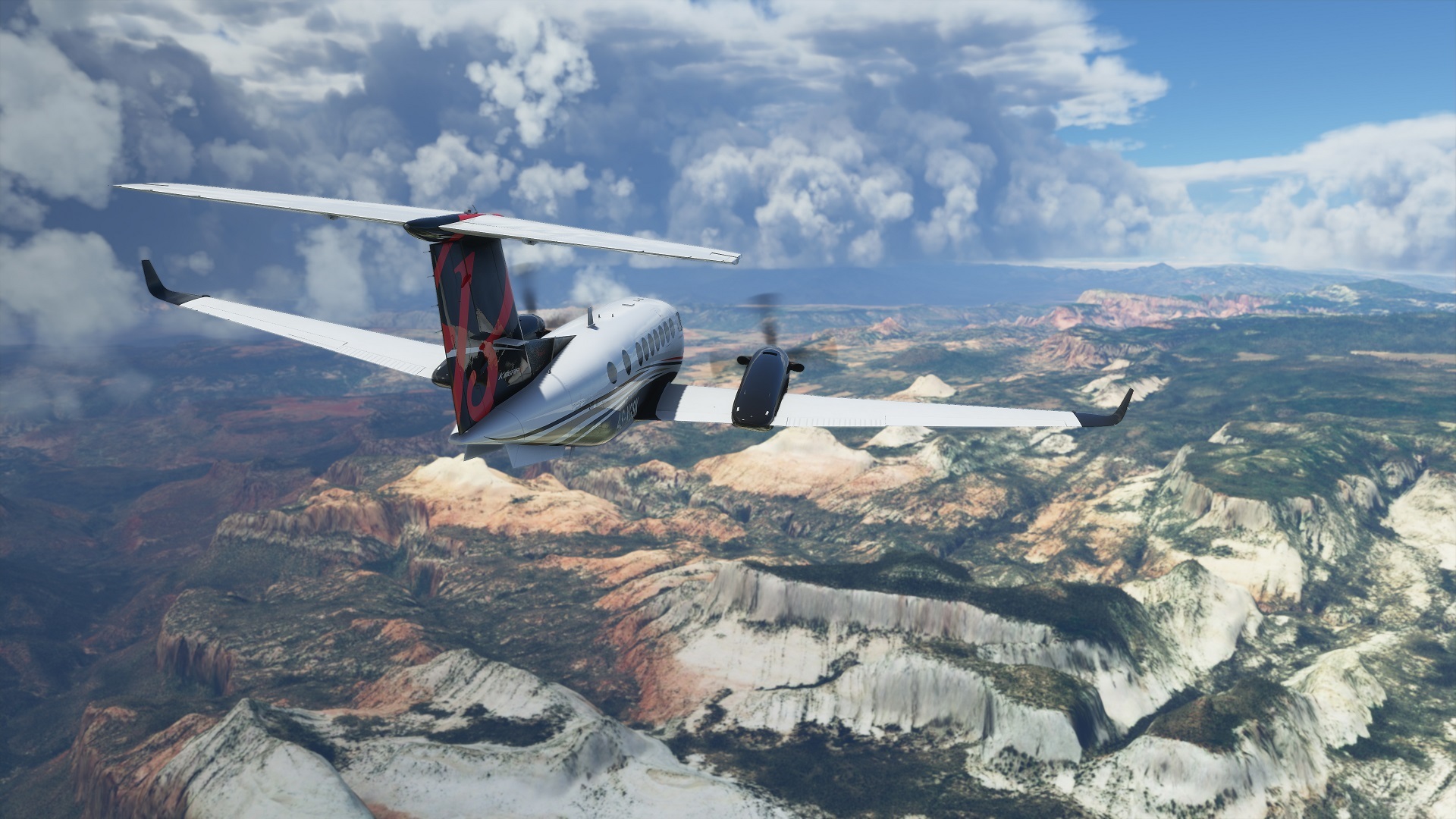

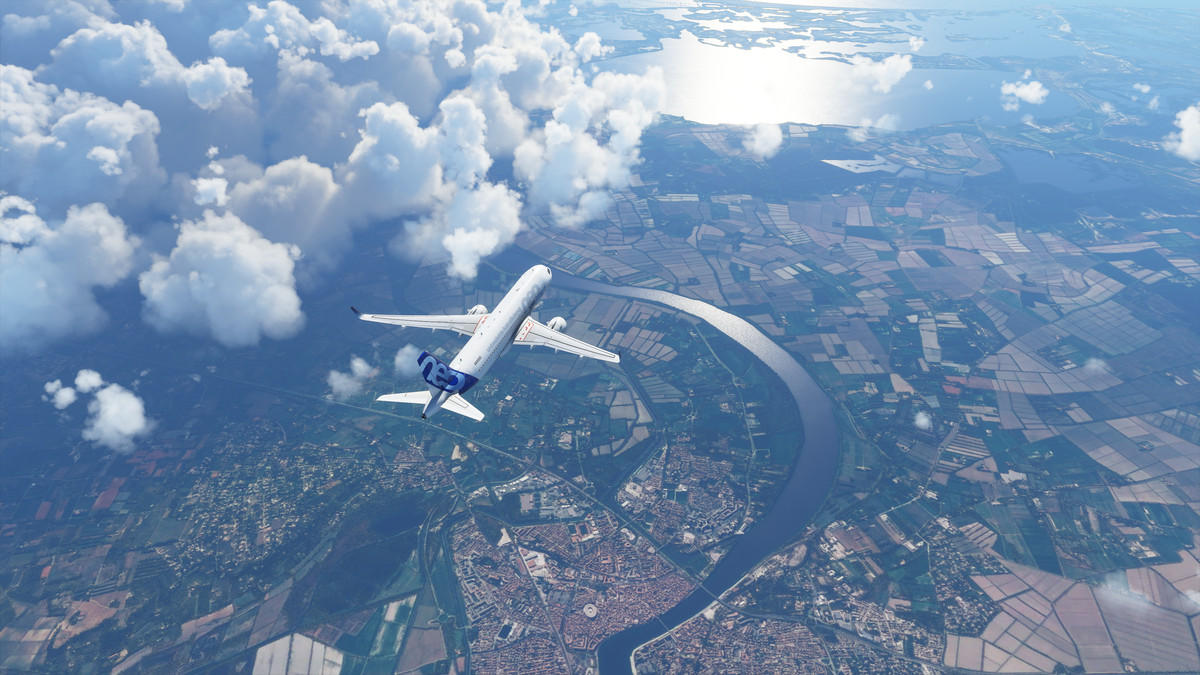
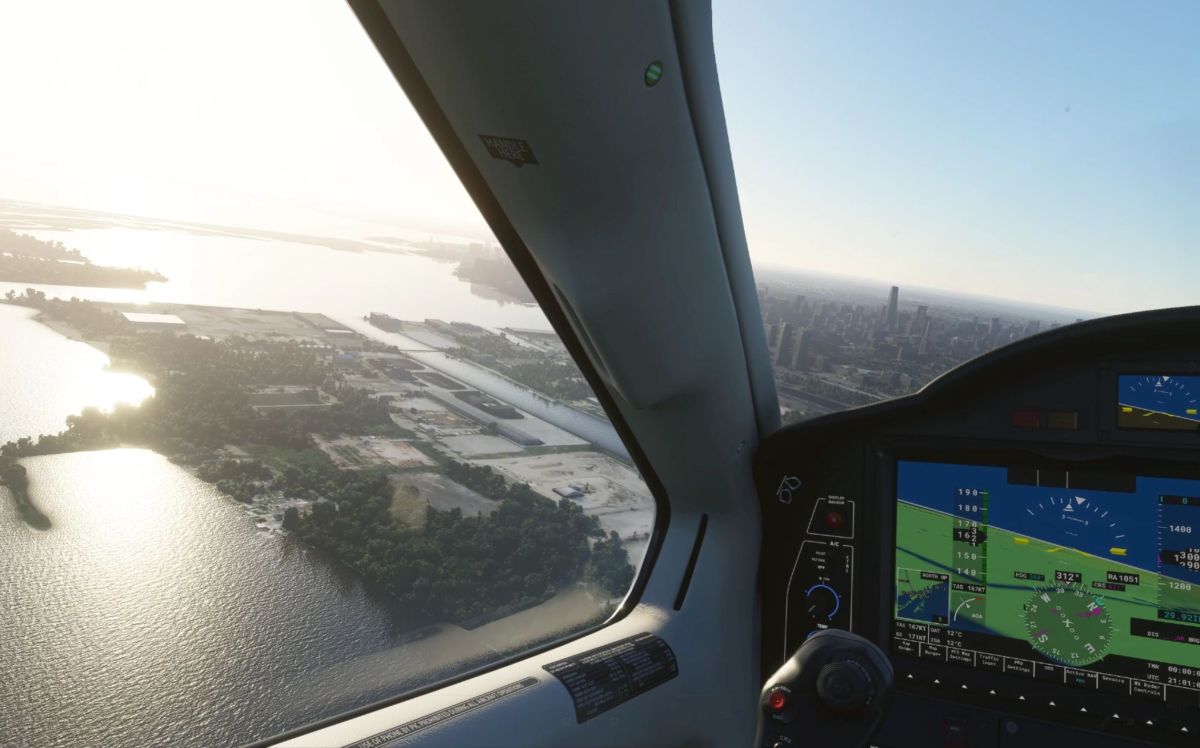
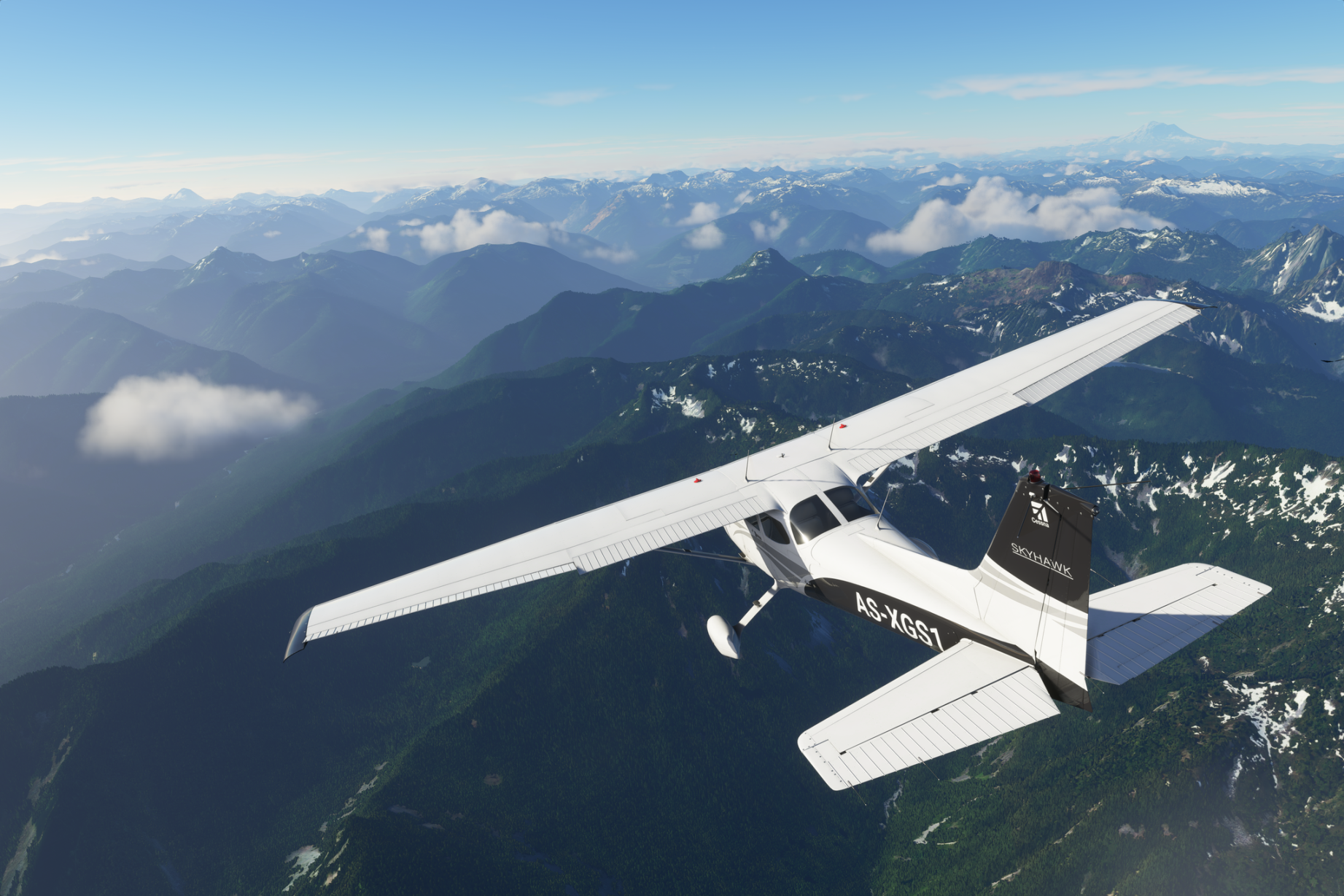
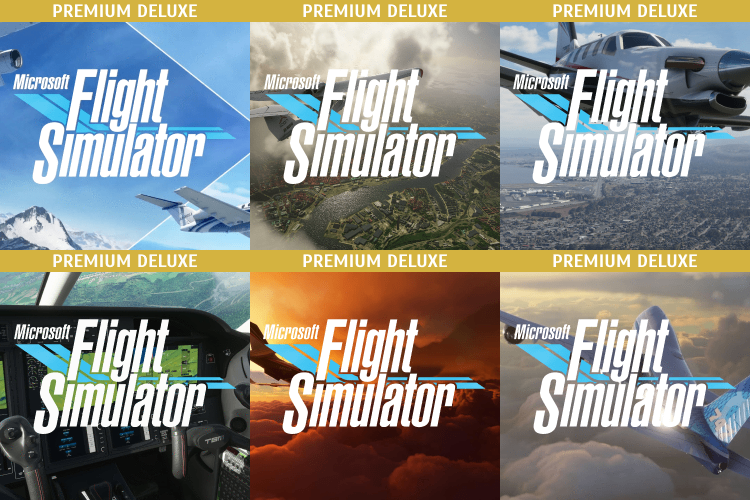
MICROSOFT FLIGHT SIMULATOR: PREMIUM DELUXE + ONLINE ✈️
✅ Your personal progress in the game and your nickname
✅ Premium Deluxe Edition and all exclusive content
✅ Online access and all possible network functions
✅ LIFETIME WARRANTY and technical support at any time of the day
Premium and Deluxe content is only available when using our Xbox live account in the Xbox Console Companion app and turning off the internet after launching the game.
Standard content is available from your personal Xbox live account, online mode is available.
< / attention>
Before paying for the product, we recommend checking that your computer meets the minimum requirements in the game you are interested in.
OS: The game runs exclusively on Windows 10 (64-bit) version 1903 or higher (The game is not compatible with Windows XP, Vista, 7, 8 and 8.1).
Processor: AMD Ryzen 3 1200 | Intel i5-4460
RAM: 8 GB
Video card: AMD Radeon RX 570 | NVIDIA GeForce GTX 770
Disk space: 150 GB
Microsoft Store apps installed and Xbox Console Companion
1. Download the activator(save the key received from the seller,and optionally view the video instructions)
2. Unarchive the activator folder from the archive.
3. Launch The Activator.
4. Select the version.
5. Enter the key received by the seller and activate it.
6. Log in to your account in the XBOX Companion app (Required to play from your account) and click continue.
7. Click the "Log in" button and do nothing until the end of logging in to the account(Remove your hands from the keyboard and mouse) to avoid problems.
8. After logging in to your account, click close in the app and download the game.
9. After fully loading the game, launch and play.
10. Enjoy the game!
- changing your password and any account data is strictly prohibited.
- activation does not fly off when you log out of your account with the game as you can reactivate the game yourself using the Activator Microsoft Store app.
- you can only play with your Xbox live account (you can log in using the Xbox companion app).
- you can change your game nickname and other game information in the Xbox app settings.
- if your key stopped working when changing PC components or reinstalling Windows, contact the seller.
- the game is updated automatically and does not require your intervention.
- the latest version of Windows 10 and a working Microsoft Store are required for the game to work correctly
- personal progress, game achievements, and other game information is stored only on your Xbox live account.
No customer reviews yet.
Discount for regular customers! If the total of your purchases from the seller
Olmax03
exceeds: