
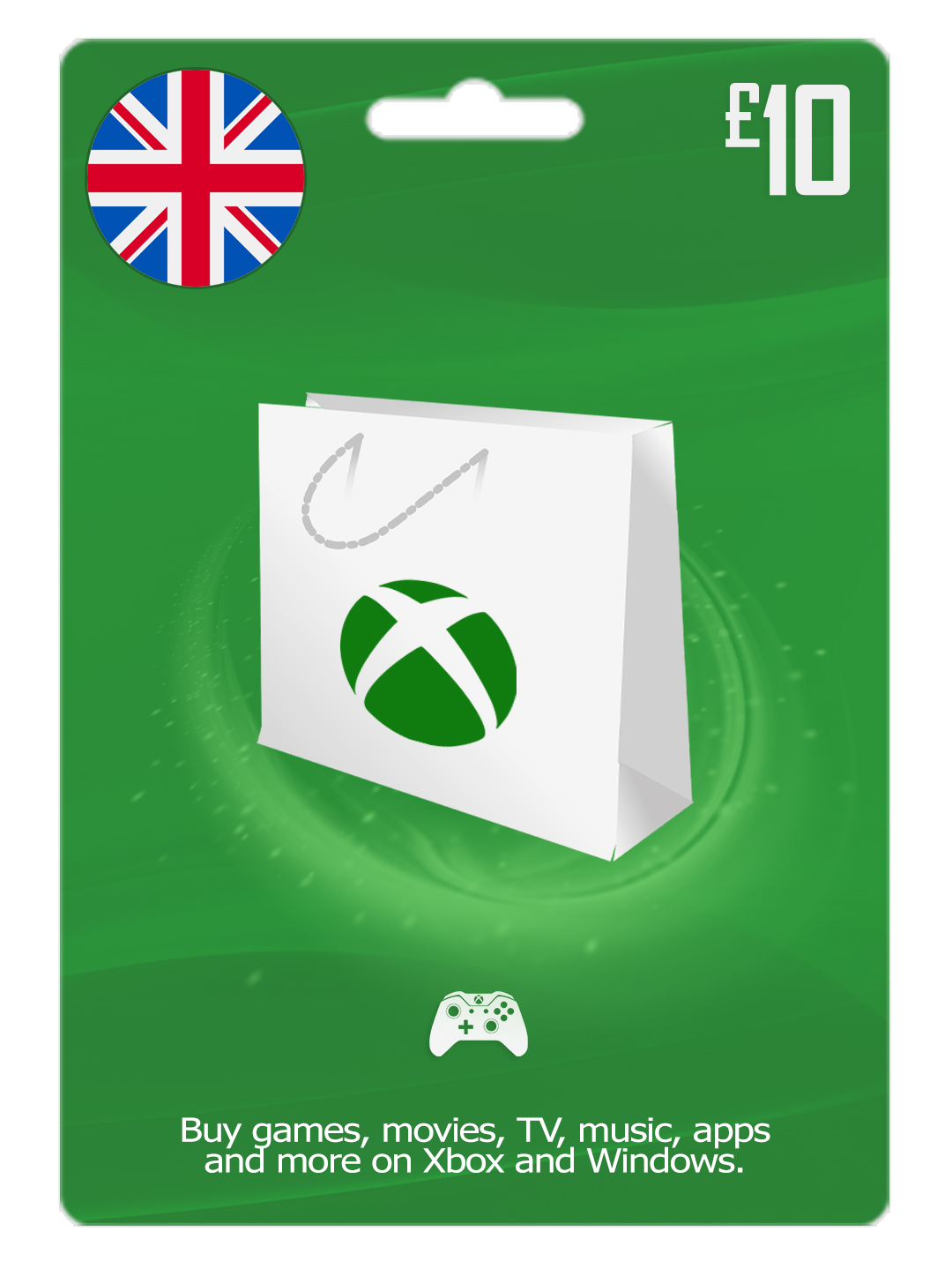
XBOX Live 10 GBP (UK) 🎮
Get an Xbox gift card for games and entertainment on Xbox and Windows
Buy the latest games, map packs, movies, TV, music, apps and more*
Activation tutorials
👉 Website
1- In a browser, go to Redeem code (https://live.xbox.com/redeemtoken) and click Sign In.
2- Sign in with your Microsoft account.
3- Click Redeem.
4- Enter the character prepaid code and click Confirm.
👉 Xbox One
1- From the Home screen, scroll right to Store.
2- Under Categories, select Games.
3- Select Use a code. Or, say “Xbox, use code.”
4- If prompted, sign in.
5- If your prepaid code is a QR code, hold it up to your Kinect sensor. Otherwise, select Or enter the 25-character code, and then enter your code.
👉 Xbox 360
1- Sign in to Xbox Live using the account for which you want to use the prepaid code.
2- Press the Guide button on the controller.
3- Go to Games & Apps and select Redeem Code.
4- Enter the 25-character prepaid code and select Done.
5- When prompted, click Yes to confirm the redemption.
Get an Xbox gift card for games and entertainment on Xbox and Windows
Buy the latest games, map packs, movies, TV, music, apps and more*
Activation tutorials
👉 Website
1- In a browser, go to Redeem code (https://live.xbox.com/redeemtoken) and click Sign In.
2- Sign in with your Microsoft account.
3- Click Redeem.
4- Enter the character prepaid code and click Confirm.
👉 Xbox One
1- From the Home screen, scroll right to Store.
2- Under Categories, select Games.
3- Select Use a code. Or, say “Xbox, use code.”
4- If prompted, sign in.
5- If your prepaid code is a QR code, hold it up to your Kinect sensor. Otherwise, select Or enter the 25-character code, and then enter your code.
👉 Xbox 360
1- Sign in to Xbox Live using the account for which you want to use the prepaid code.
2- Press the Guide button on the controller.
3- Go to Games & Apps and select Redeem Code.
4- Enter the 25-character prepaid code and select Done.
5- When prompted, click Yes to confirm the redemption.
No customer reviews yet.