Отлично! Все работает!
Код пришел сразу же...

3 0
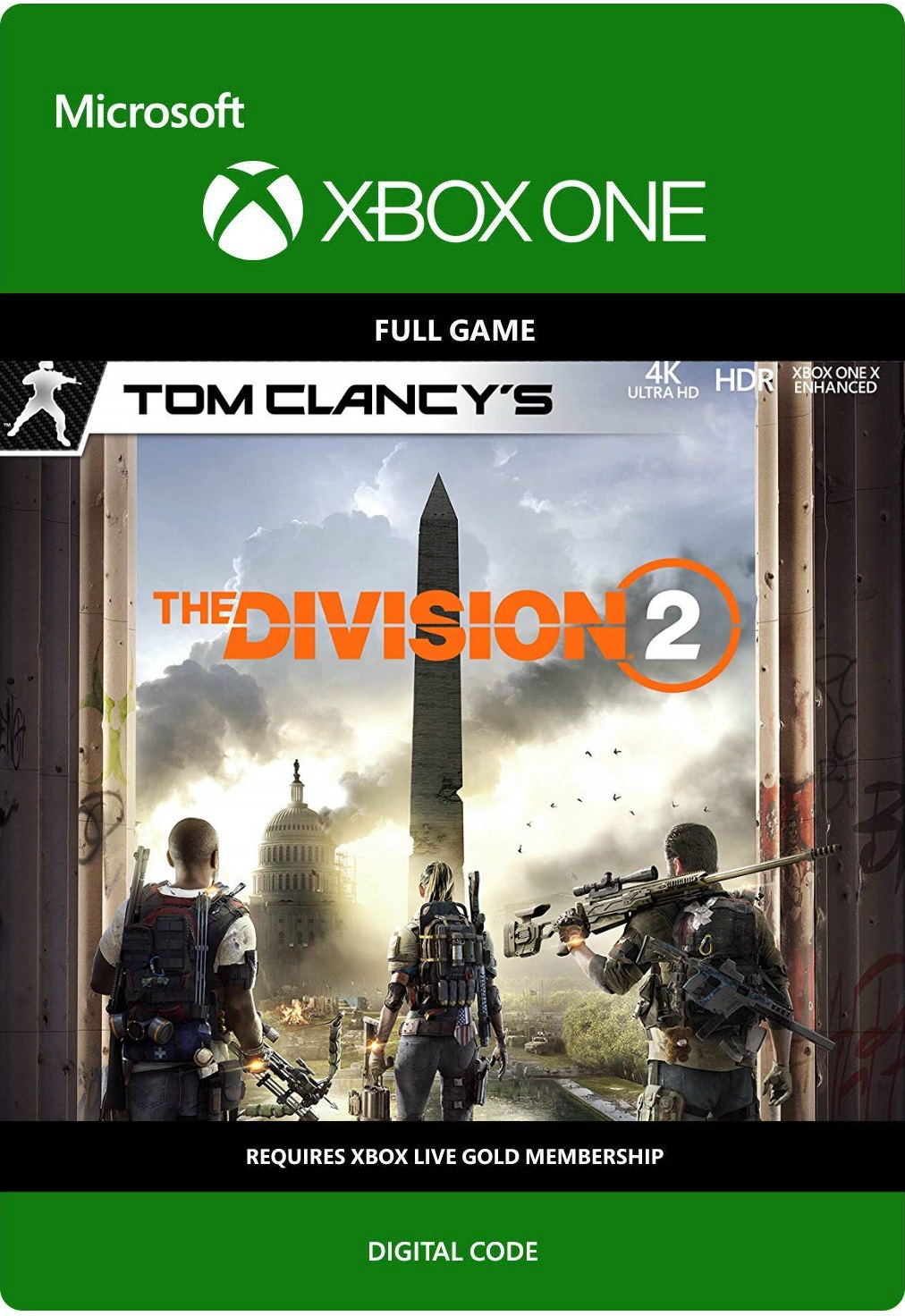
Tom Clancy’s: The Division 2 (XBOX ONE) Free Region
You get a license key to download Tom Clancy’s: The Division 2 Standard Edition (XBOX ONE) Free Region
Game Details
Seven months have passed since the deadly virus hit New York and the rest of the world, striking the entire population of the planet. The society as we knew it collapsed. When the virus hit, the Division of Civil Sleeping Agents Division was deployed as the last line of defense. Since then, they have constantly fought to save what is left, and to save our civilization from plunging into chaos.
Washington, DC, was supposed to be the last bastion in the face of the threat of the collapse of the nation, but now, in the face of many threats, the city is on the verge. For Division, the stakes are higher than ever: if Washington, DC falls, the nation falls. Possessing the powers of modern civilian marshals, you and the team are the last chance for society to survive the devastating pandemic.
Tom Clancy´s: The Division 2, a game from the same teams that developed Tom Clancy´s: The Division, is a role-playing action shooter in a living world that will take you to Washington, DC, where your life will depend on exploring the world. and developing your own skills. This dynamic world combines the authentic elements of previous games in the series, as well as tactical decisions, role-playing elements, commerce and many other innovations. Play on your own or in a team of up to 4 players in cooperative mode online, doing a lot of things from main missions to competitions in PVP matches.
How to activate the pre-paid code in the Xbox application on Windows 10
1. Make sure that you are logged on to the Microsoft account for which you want to activate the code.
2. On the Home page, scroll left and select the Microsoft Store icon.
3. In the center of the Microsoft Store screen, select Activate code.
4. Enter your 25-digit prepaid code and select Confirm.
How to activate the pre-paid code on the Xbox One console
1. Click the Xbox button to open the guide, and then click Home. Verify that you are logged on to the Microsoft account for which you want to activate the code.
2. On the Home page, scroll to the right and select the Microsoft Store icon.
3. Select Use code.
4. Use the onscreen keyboard to enter the 25-digit code on the Activate Code or Gift Card screen, and then click Next to complete the process. Do not enter hyphens: the system will take care of them automatically.