
322 3
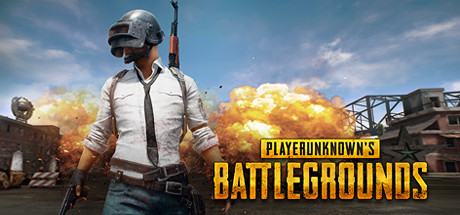
PLAYERUNKNOWN´S BATTLEGROUNDS(PUBG) -original STEAM key
Languages: Russian, English, Chinese, Korean, French
After payment you will immediately receive a key to activate on Steam PLAYERUNKNOWN´S BATTLEGROUNDS
1. Download and install the Steam program http://store.steampowered.com/about/
2. Register an account with Steam. If you already have an account, log in to it in the Steam program.
3. Open the paid item in the My purchases section, or on the email. Mail specified at the time of purchase. Copy the key.
4. In the steam program, in the lower left corner, click on "Add game" - "Activate in steam ...", insert the key that you bought on Steam-account.ru, click "Next". The game is activated on your Steam account and will be assigned to it permanently.
5. In the Steam program in the "Library" section you will see the purchased game. It can be automatically downloaded from the official steam servers to your PC, and start playing.
1. Download the VPN to change the IP to the desired one. Free code can be found at https://hidemyname.org/en/demo/
2. Select the server of the desired country - Russia. Then check your IP at https://hidemyname.org/. You can see it at the top right.
3. Completely close the Steam application on all devices and start logging in through the client on your PC.
4. Open the "About Account" section and click "Change Store Country." Specify the country of Russia, if the country has successfully changed, activate the key.
5. If you get an error when changing the country, you will need to make a purchase through Steam by paying it only in rubles (paypal, Yandex or kiwi).
6. Put any inexpensive game in the basket, go to the payment, on the right in the "Country" field, select Russia (rubles) and make a purchase.
7. Now your account is Russian, you can activate the key.
8. After activating the VPN is no longer required
PLAYERUNKNOWN´S BATTLEGROUNDS
PLAYERUNKNOWN´S BATTLEGROUNDS
PLAYERUNKNOWN
BATTLEGROUNDS
playerunknown s battlegrounds
playerunknowns
PUBG