
3 0
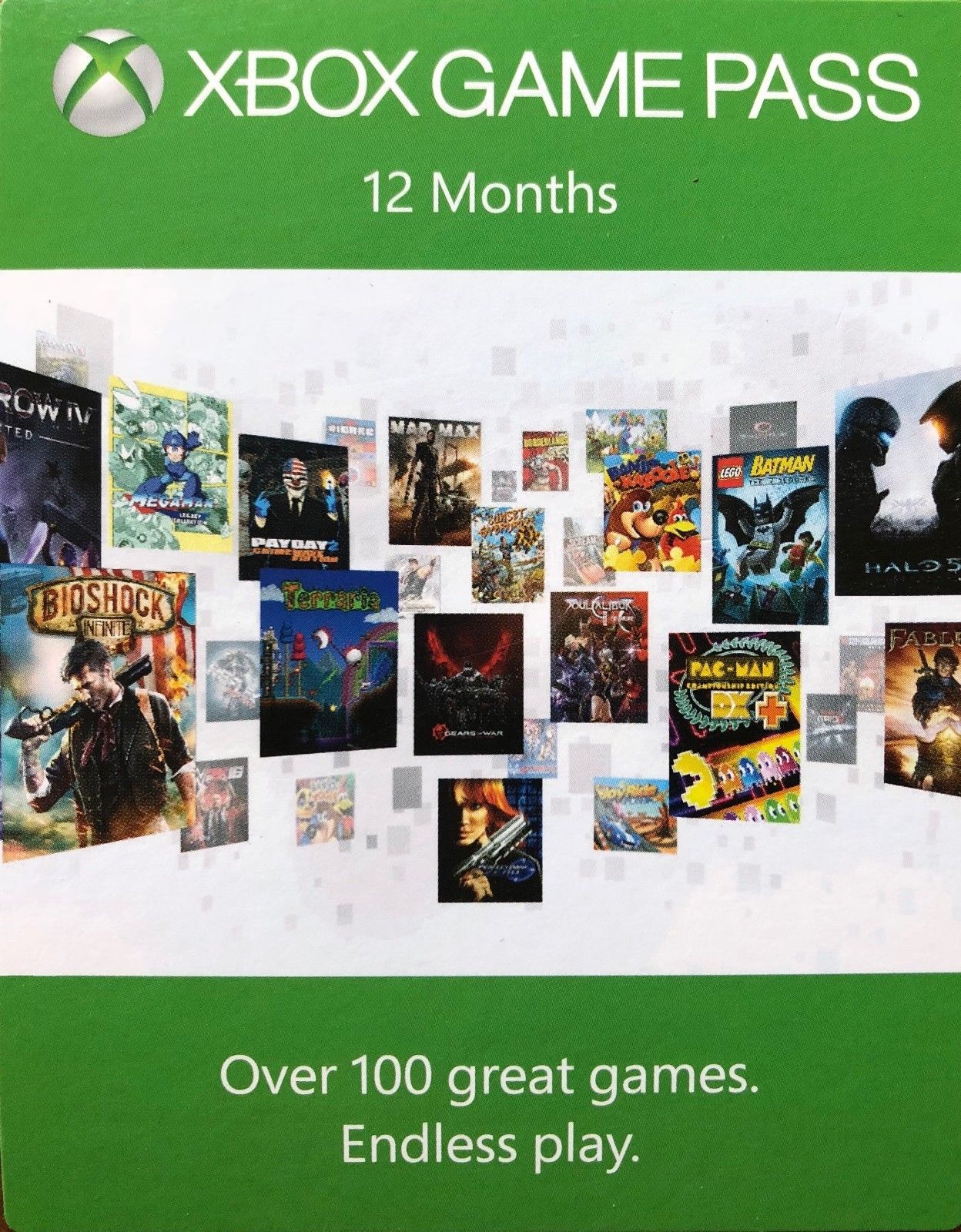
Xbox Game Pass 12 months Xbox One
After purchase, you get the key Xbox Game Pass 12 months Xbox One
The Xbox Game Pass gives you unlimited access to over 100 great games, including popular backward-compatible Xbox 360 games and blockbusters for the Xbox One. The Xbox Game Pass subscription catalog is updated with new games every month (sometimes games are withdrawn from the catalog), so that there will always be interesting new items in it! Download the games of the leading publishers and fully play them offline up to 365 days! Subscription Xbox Game Pass allows you to play really endlessly.
Region: Argentina, Australia, Austria, Belgium, Brazil, Canada, Chile, Colombia, Czech Republic, Denmark, Finland, France, Germany, Greece, Hong Kong, Hungary, India, Ireland, Israel, Italy, Korea, Mexico, Netherlands, New Zealand, Norway, Poland, Portugal, Russia, Saudi Arabia, Singapore, Slovakia, South Africa, Spain, Sweden, Switzerland, Taiwan, Turkey, United Kingdom, United Arab Emirates, United States.
How to activate the pre-paid code in the Xbox application on Windows 10
1. Make sure that you are logged on to the Microsoft account for which you want to activate the code.
2. On the Home page, scroll left and select the Microsoft Store icon.
3. In the center of the Microsoft Store screen, select Activate code.
4. Enter your 25-digit prepaid code and select Confirm.
How to activate the pre-paid code on the Xbox One console
1. Click the Xbox button to open the guide, and then click Home. Verify that you are logged on to the Microsoft account for which you want to activate the code.
2. On the Home page, scroll to the right and select the Microsoft Store icon.
3. Select Use code.
4. Use the onscreen keyboard to enter the 25-digit code on the Activate Code or Gift Card screen, and then click Next to complete the process. Do not enter hyphens: the system will take care of them automatically.
How to activate the pre-paid code on the Xbox 360 console
1. Log on to the Microsoft account for which you need to activate the prepaid code.
2. Click the Guide button on the gamepad.
3. Select Games and Applications, and then select Activate Code.
4. Enter the 25-digit prepaid code and select Done.
When prompted, click Yes to confirm activation.