

2 0
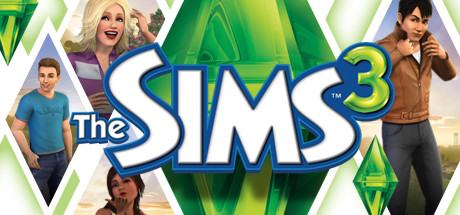
The Sims 3 Steam Gift RU+CIS💳0% fees Card
1. Download and install the Steam program from the links above, if you have not already installed it.
2. Register your account in Steam. If you already have an account, log in to the official website https://store.steampowered.com/login/
3. Open the paid item in the My purchases, or on the email. mail specified at purchase.
4. Go to the official steam site for a unique gift link received after payment. Click "Accept Gift" and then select "Add to my library."
5. In the Steam program in the "Library" section you will see the purchased game. It can be automatically downloaded from the official steam servers to your PC, and start playing.
The Sims
Sims
Sims 3
Симс
Симс 3