
Teddy Floppy Ear - Kayaking (STEAM KEY) RU+CIS
Publication Type: STEAM KEY / RU / UA / KZ / CIS
⚠️ ATTENTION! This key can only be activated on a Steam account registered in Russia, Ukraine, Kazakhstan, and other CIS countries.
🔹 Game Language: English
🔹 Release Date: January 16, 2015
🔹 Platform: Windows
🔹 Region: RU / UA / KZ / CIS (Russia, Ukraine, Kazakhstan, and other CIS countries)
🔹 Activation: Steam
============================================
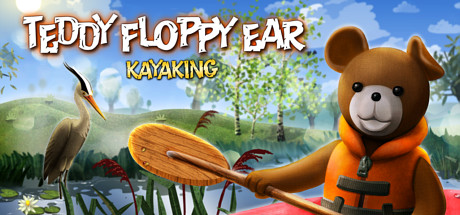
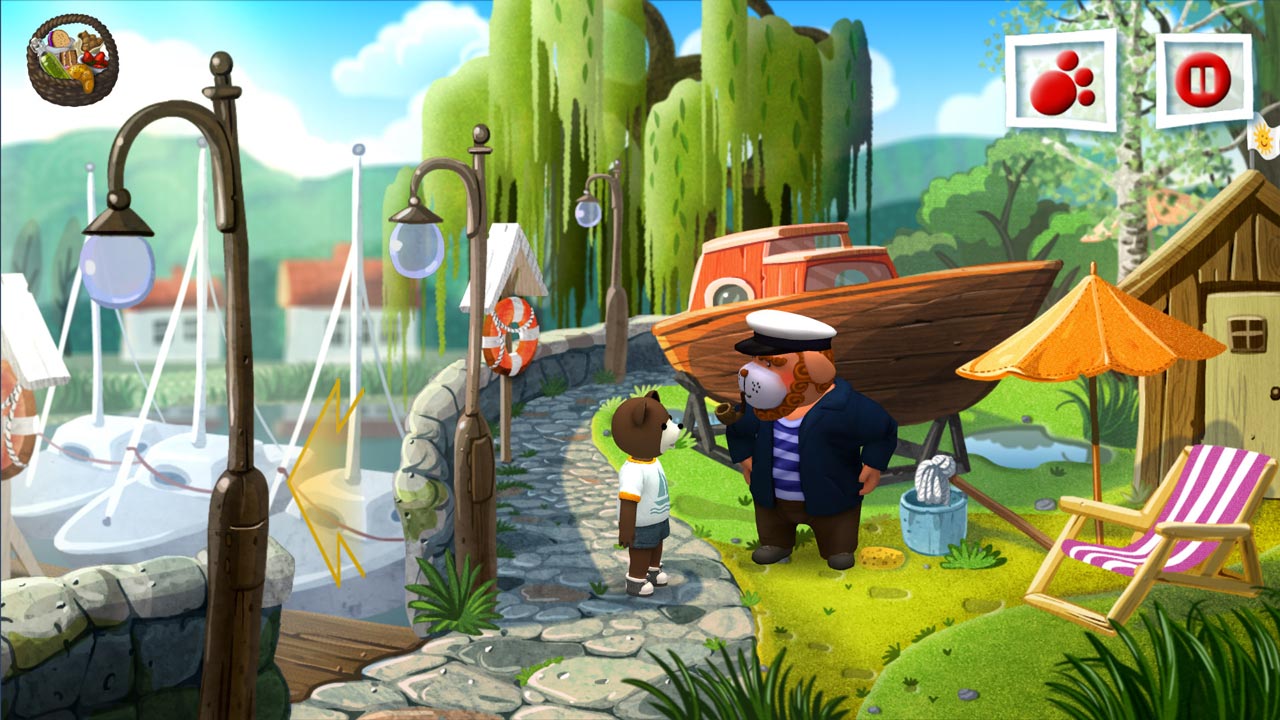
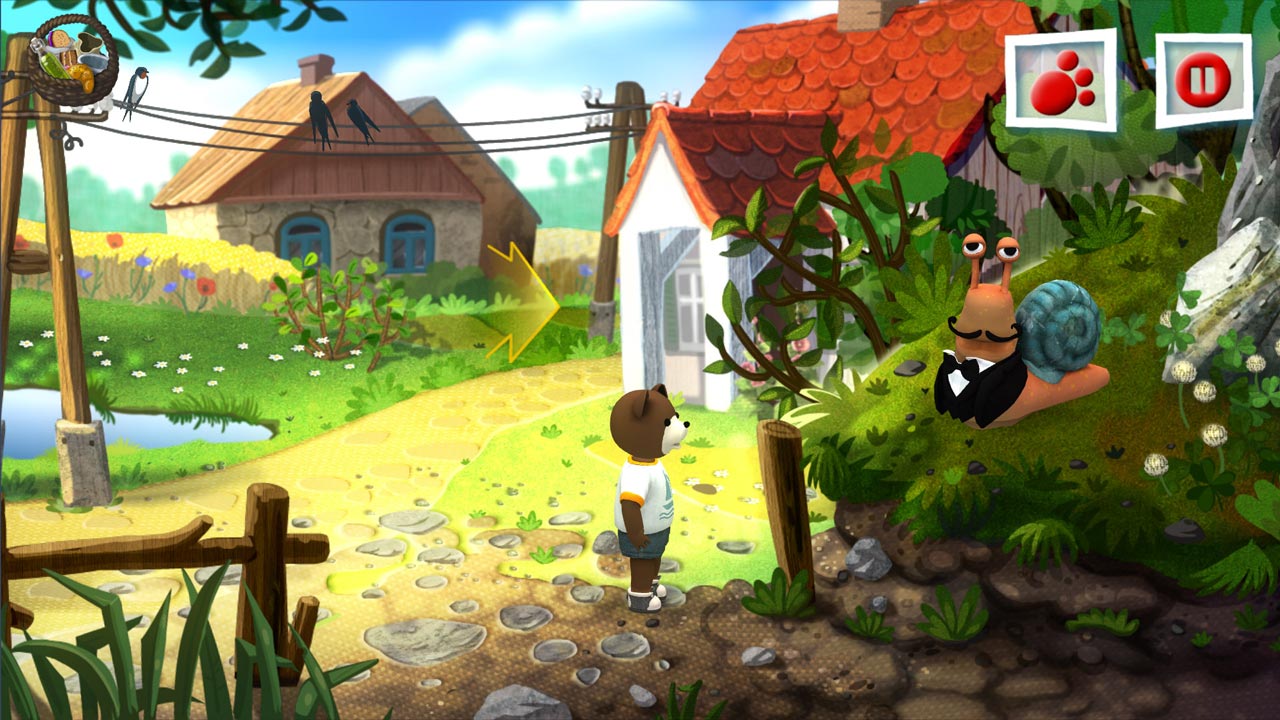
Send your child on an unforgettable adventure with the most adorable bear in the world! Based on the Polish cartoon, Teddy Floppy Ear is a wonderful entertainment for children. Created by an experienced team, "Teddy Floppy Ear – Kayaking" blends a fun adventure game with a strong dose of educational content, essential for young minds.
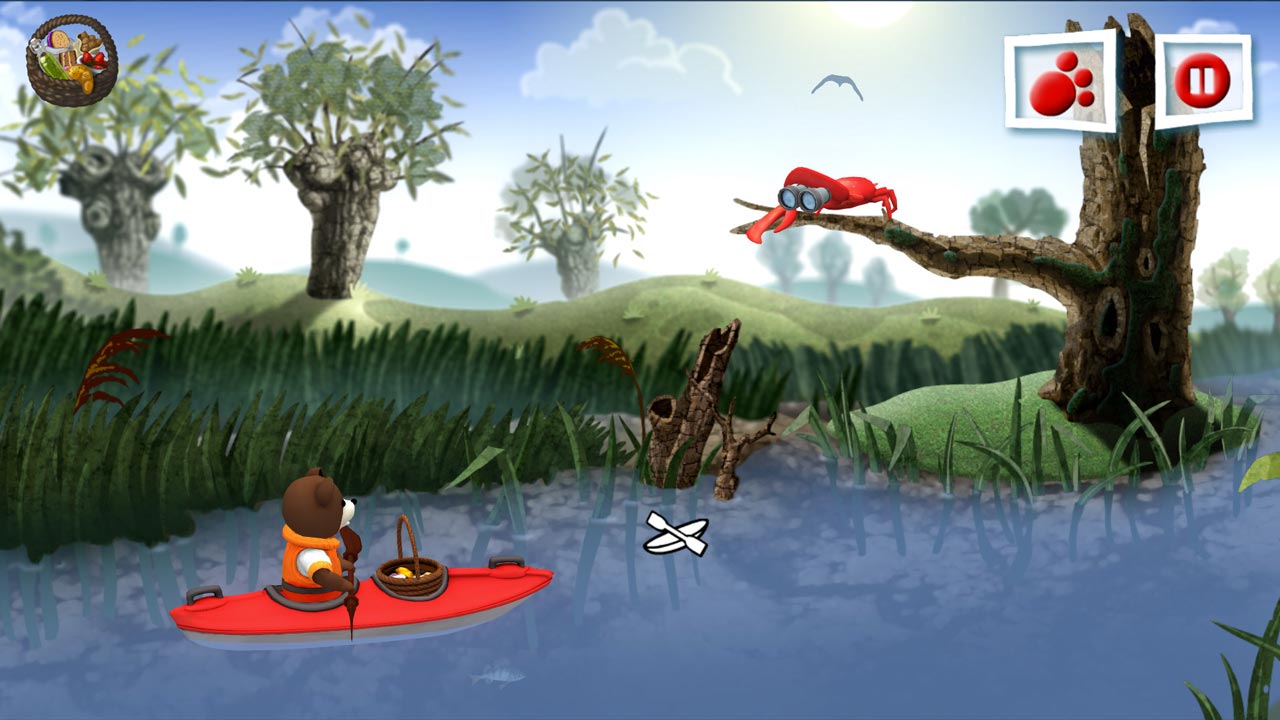
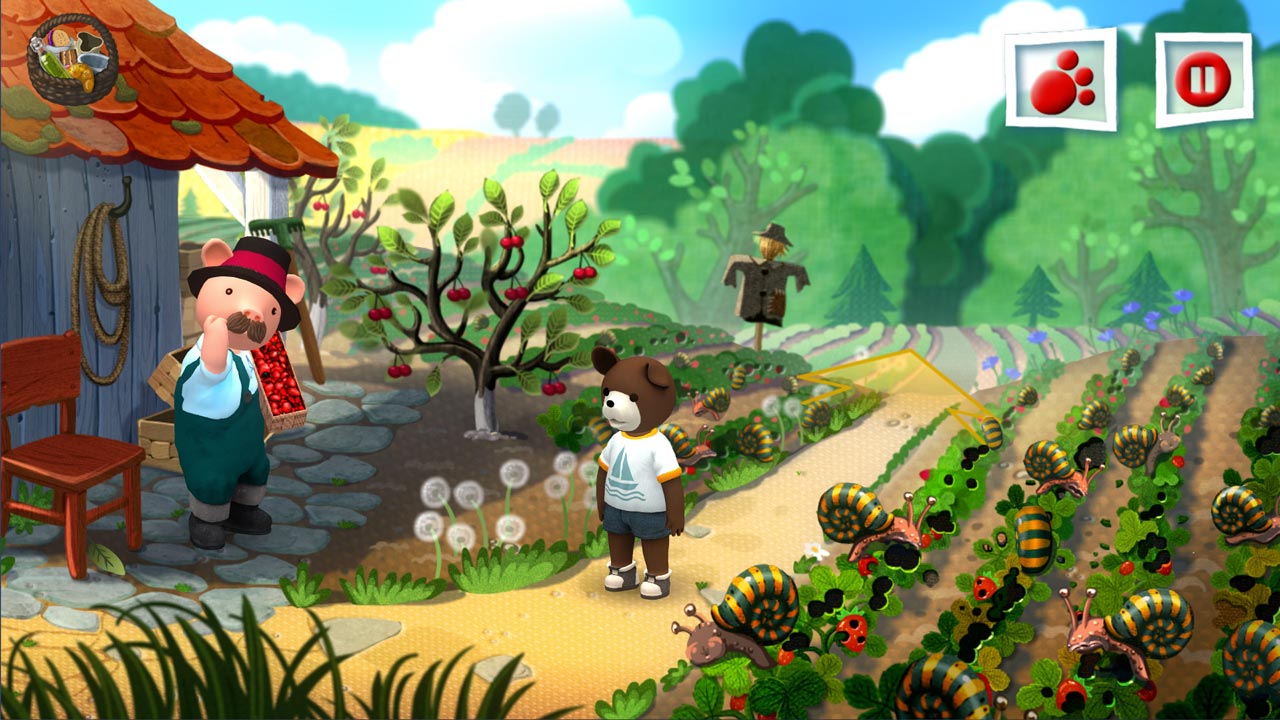
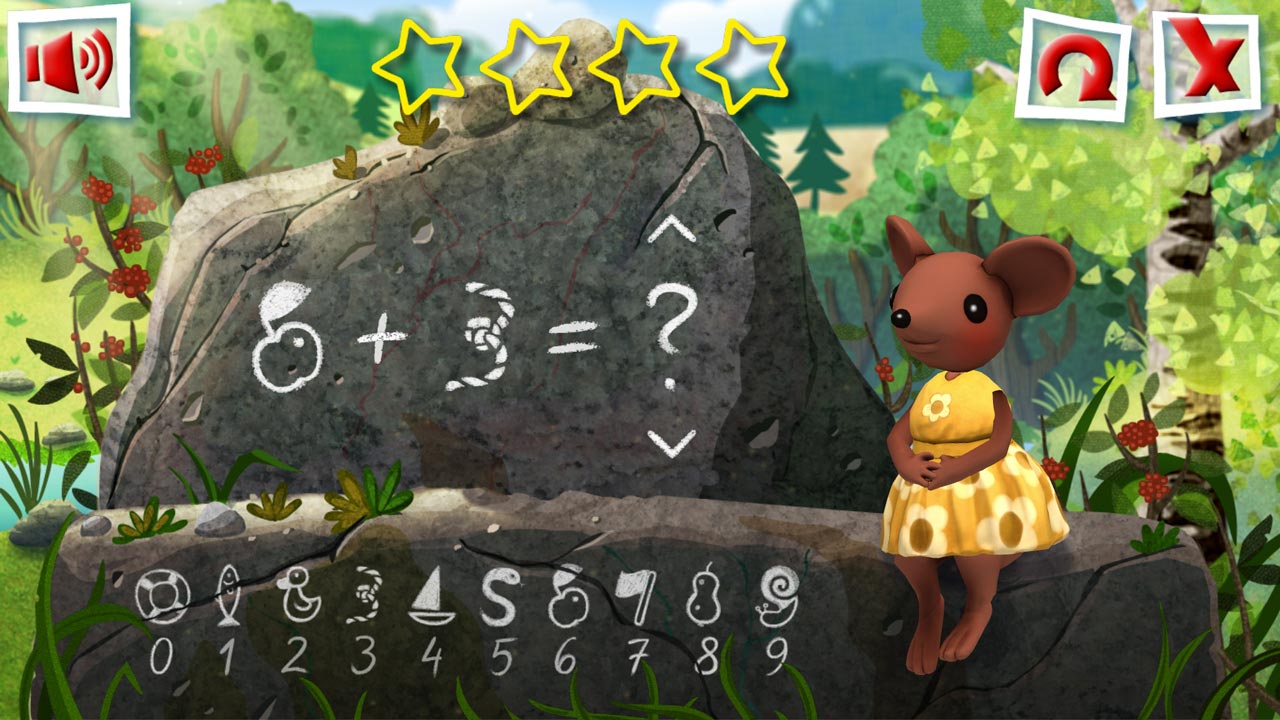
In this episode, the main character enjoys the beautiful spring weather and goes on a kayaking trip with his friend Piglet. Along the way, he encounters Mr. Cuttlefish, who, for some reason, is rude and needs a lesson in manners. During the adventure, our hero solves a variety of problems that test children´s math skills, hand-eye coordination, logical thinking, and perception.
Beautiful hand-drawn graphics, soothing music, and a cheerful, cruelty-free story will keep your child entertained for hours.
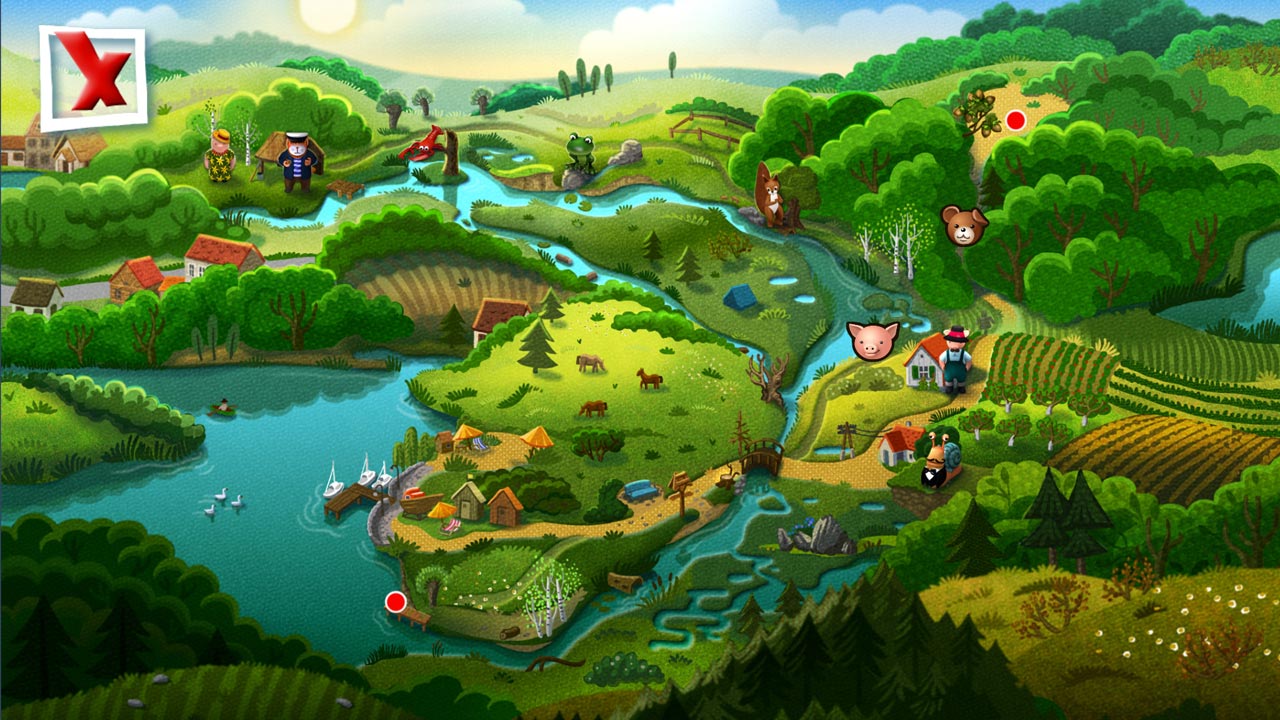
• Dozens of vibrant scenes
• Educational value
• Great for young children
• No violence whatsoever
• A significant number of minigames
• Soothing music
• The famous Teddy Floppy
===========================================
Activation
1️⃣ Download and install the Steam app from https://store.steampowered.com (if not already installed)
2️⃣ Create a new Steam account or log in to an existing one
3️⃣ Go to the "Games" section and select "Activate on Steam"
4️⃣ Enter the activation key you purchased
5️⃣ The game will then appear in your Steam library and can be installed
ATTENTION! Before buying, please check the system requirements of the game and other parameters that interest you (they may change with time). This can be done on the sites Steam / Uplay / Origin or the official website of the publisher. Goods purchased by mistake, as well as unsuitable for system requirements or region of activation, can not be returned and exchanged!
Dear customers! Convincing request, if there are any problems with the purchased goods, do not leave a negative feedback immediately. Write us a message in the correspondence (the purchase page on the site Oplata.info). We will try to respond to your message as soon as possible and promptly solve the problem. We draw attention to the fact that the basis for the exchange or return of the purchased key (key), which gives an error when activated, can only be VIDEO RECORD of the purchase process and subsequent attempt to activate it (mandatory condition - the record should not contain editing features).
Our entire range: http://www.plati.ru/asp/seller.asp?id_s=467960
We will be grateful for every positive feedback you have left after the purchase. Sincerely, the project team "AlternativA".
No customer reviews yet.