
1 0
The Sims 4: My First Pet (EA App/ Multi/Global)
AFTER PAYMENT, YOU WILL RECEIVE AN ADDITION KEY The Sims 4: My first pet.
* You will receive the keys in your personal account http://www.oplata.info.
Also, a link to the page with the key will come to your e-mail specified at purchase
••••••••••••••••••••••••••••••••••••••••••••••••••• ••••••••••••••••••••••••••••••
Attention! This game requires the game The Sims 4 and the addition The Sims 4. Cats and Dogs.
ACTIVATION: ORIGIN
***********
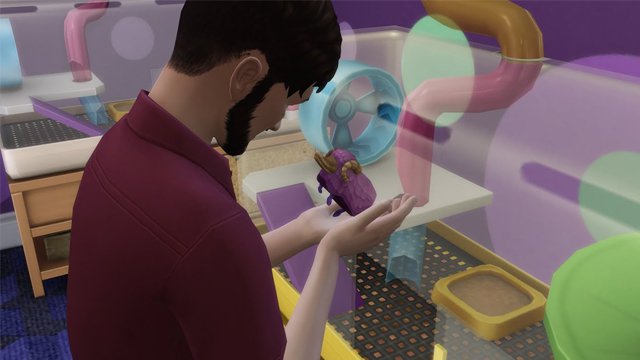
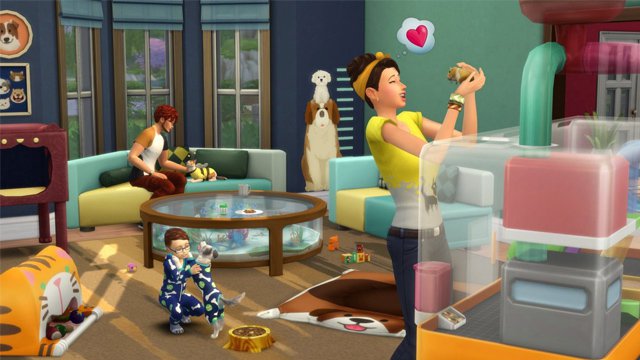
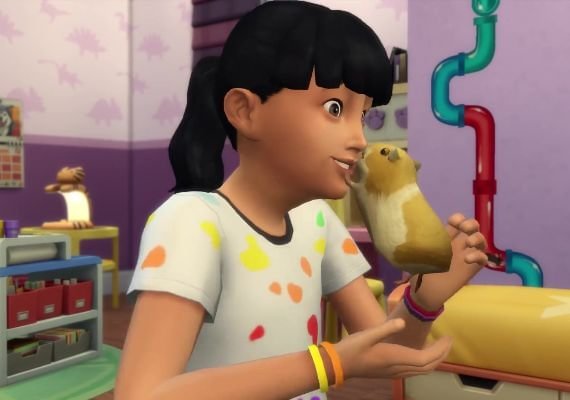
Take care of a new pet. Get a small animal like a hamster, rat, pygmy hedgehog or bubalus! Your Sims will have to come up with a new pet´s nickname and learn how to care for him - play with him, monitor his health and cleanliness. Sims have a lot to learn!
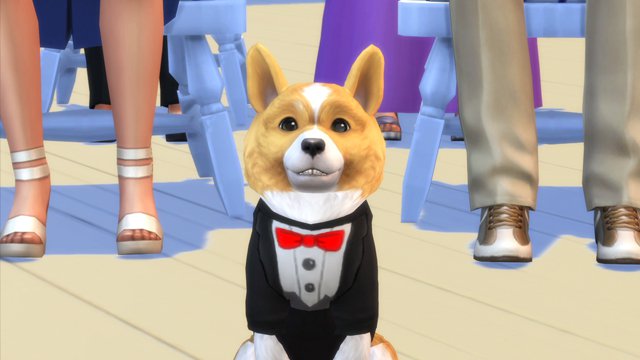
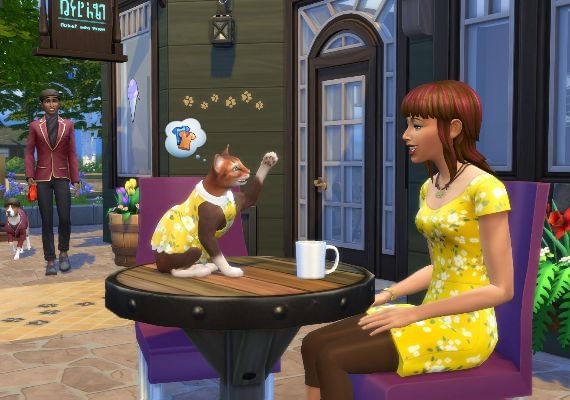
Dress up cats and dogs. Prove that the sims and their pets are made for each other by dressing the sims in a bathrobe or pajamas in the shape of their favorite pets. And then dress the cat in a beautiful dress and put a classic hat on the dog.
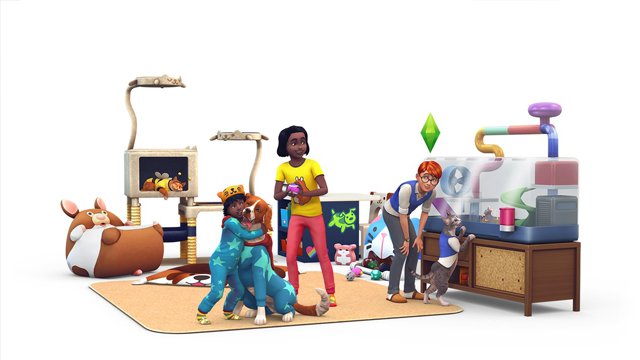
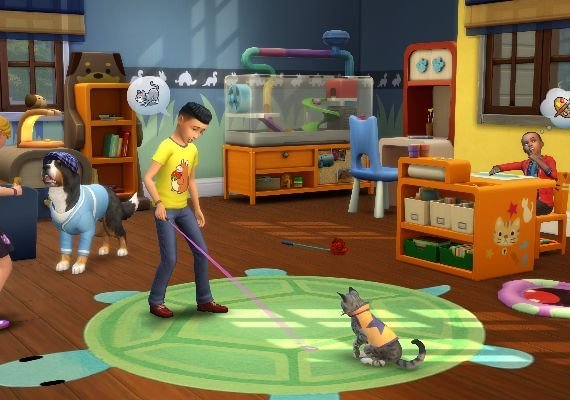
Give your four-legged friends style. Decorate the living room with unique pieces of decor and furnish the nursery with animal furniture. From charming pillows in the shape of cats for sims to bright beds for cats, everyone will find something for themselves.
Instructions for activating a key in the EA App:
1. Download and install the EA App https://www.ea.com/
2. Register (or log into an existing) account in the EA App.
3. Click the "My Collection - Activate Key" button and follow the instructions. After activation, the game will appear in the list of games and you can download it.
4. Download, and after complete installation, launch and play.