Lesson №65. Lessons SolidWorks
- Price in currencies:
- 2 $ · 189 RUB · 1.79 €
- Category:
- Courses, Lessons
- Item:
- text information (755 characters)
- Uploaded:
- 17.09.2013 20:14:49
- Sales:
- 41
- Refunds:
- 0
- Customer rating:
- 5.0 of 5 +1 / −0
- Seller:
- Уроки по SolidWorks · about the seller and their products
DESCRIPTION
Lesson №65. Lessons SolidWorks
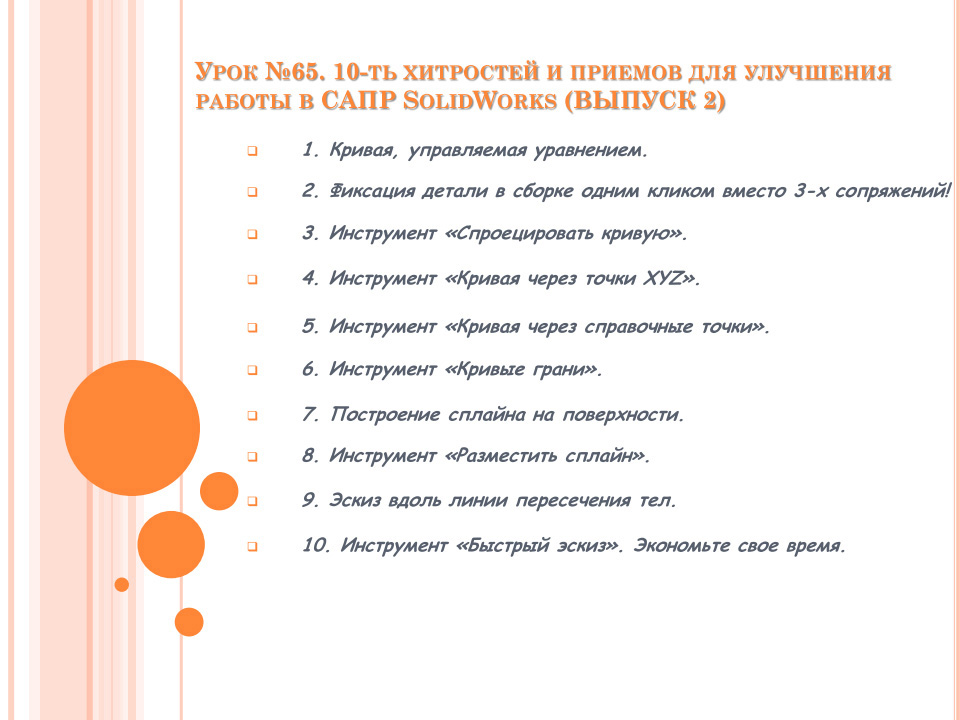
Lesson №65. 10 Th tricks and techniques to improve the performance in CAD SolidWorks (issue 2)
This video tutorial is preparation for a series of lessons on the solid modeling elements such as wood carving, inlay, moldings, etc. and so on. n. As is known, in SolidWorks with this a bit heavy on the possibility of 3Ds Max, he does not pretend (in this area), but still more can be done if you become familiar with SolidWorks tools and to acquire basic skills. That's what we'll do in the next lessons, as long as you need to complete a series of lessons on the tricks and techniques, as well as to learn or to repeat (as anyone), the main tool for spline-and 3D-curves.
Additional information:
Lesson Synopsis №65
Curve Equation Driven.
Fixing parts in the assembly with one click instead of 3 mates!
Tool "Map the curve."
Tool "curve through the points XYZ».
Tool "Curve Through Reference Points."
Tool "Curves brink."
Building a spline surface.
Tool "Fit Spline."
Sketch along the line of intersection of the bodies.
Tool "quick sketch". Save your time.