
QIWI payment module for WebAsyst Shop-script
When billing was introduced checks maximum input methods mobile phone. Since billed format 9XXXXXXXXX, it was written by the function for cutting out incorrectly entered a phone number, for example, 9 (XXX) XXX-XX XX will be automatically replaced by 9XXXXXXXXX, which saves the buyer from obsessive reports that "the number is in the wrong format. " Next invoice module to the server QIWI, and if it returns a success - the order is considered accepted if not (the server does not respond QIWI) - that displays information about the error and the customer can choose a different payment method or try to put yourself through it again. When you check the status of an order the customer displays information about the status of the payment through the terminal (paid, canceled, the error terminal)
Installing the module:
1. Place qiwi.php file from the archive to the directory / published / SC / html / scripts / modules / payment /
2. Add a new payment method in the administration panel of your online store
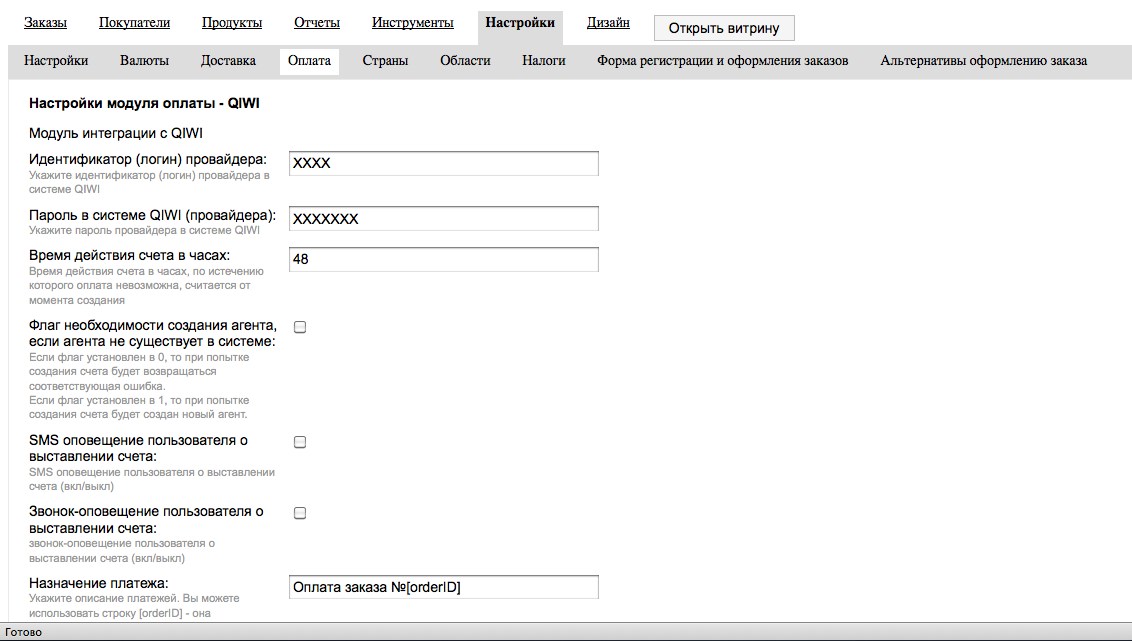
3. Set up a payment module, using their data qiwi
4. The unit is ready to go!
No customer reviews yet.